AI Laptop Finder for Work, Study & Gaming

    Answer 6 quick questions to get 3–5 ranked laptop recommendations tailored to your needs.

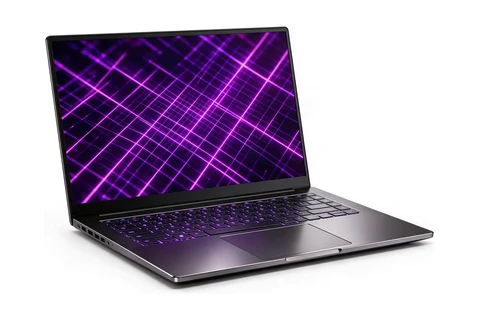
    Illustration of an ultrabook laptop

    Free forever plan · No credit card required · Results in about 30 seconds

    Get the right laptop without the guesswork. Our AI matches your profession, budget and OS.

    25 live buying guides · Picks last checked Oct 18, 2026 · How we pick

    Top picks from our guides

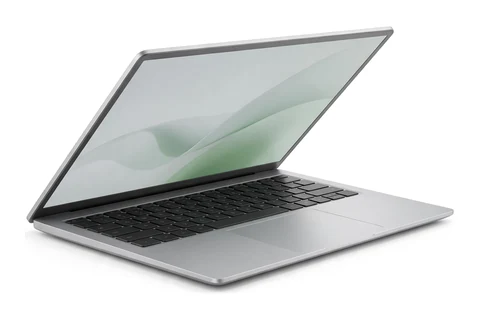
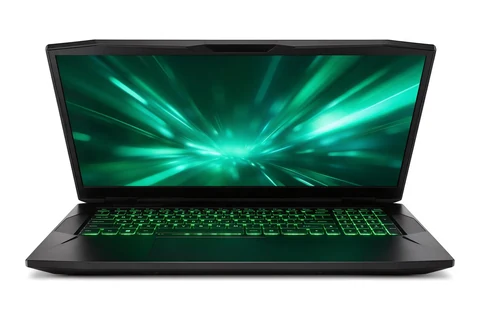
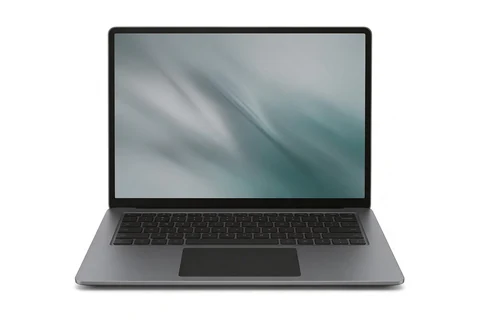
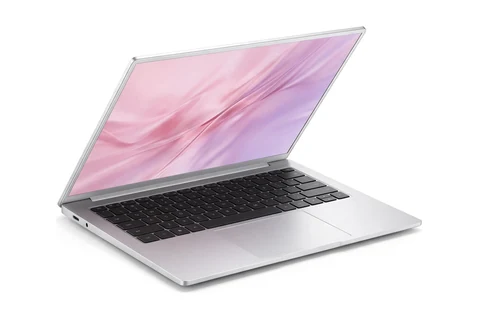
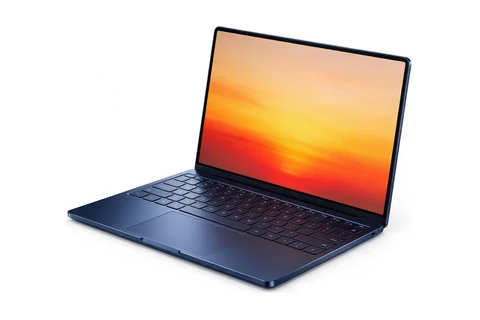
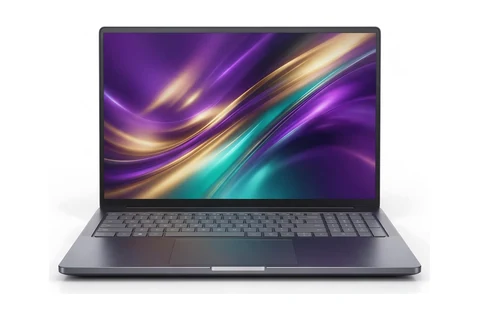
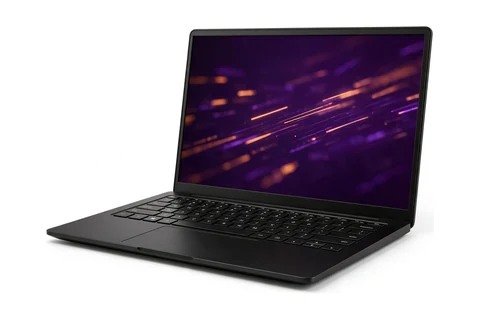
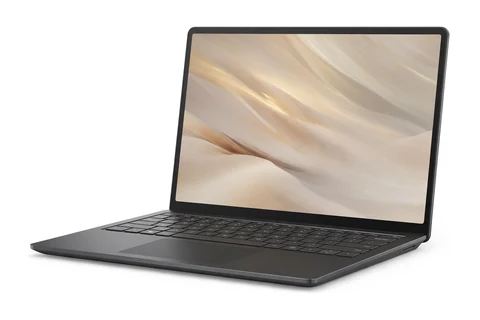
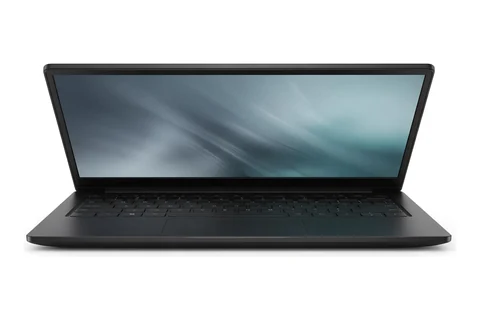
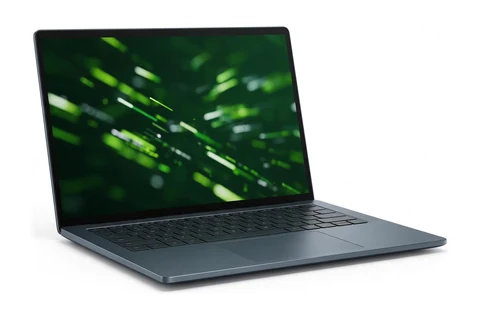
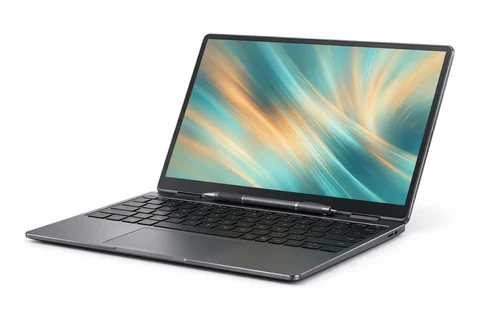
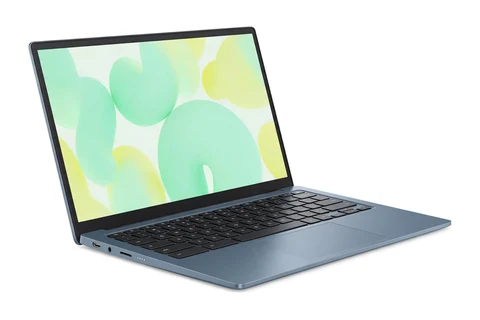
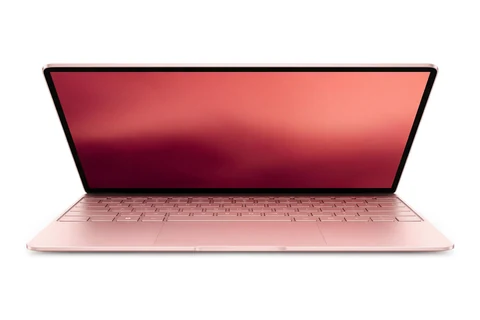
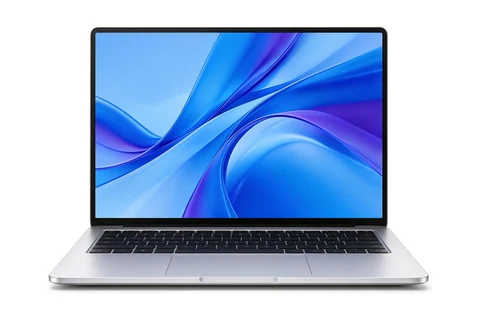
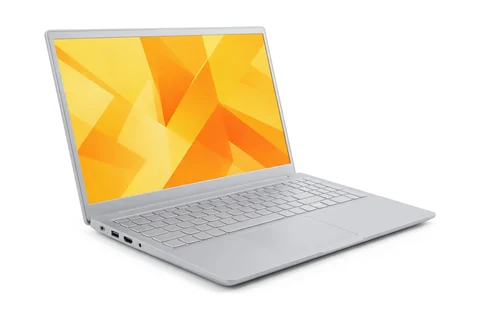
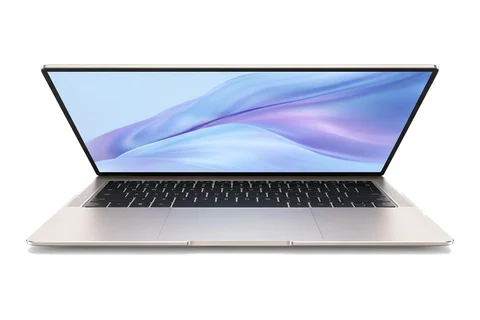
    The number one laptop from four of our live buying guides.

    Find the Perfect Laptop for Your Needs

    Choose your profession to get the best laptop recommendations instantly

    How it works

    1. 1Tell us your needs
    2. 2AI analyzes options
    3. 3Get ranked results

    The Ultimate Guide to Finding Your Perfect Laptop in 2026

    With thousands of laptop models available, choosing the right one can be overwhelming. Our AI-powered recommendation engine analyzes your specific needs, profession, and budget to suggest the perfect laptop that matches your workflow requirements.

    AI-Powered Analysis

    Our advanced algorithms analyze thousands of laptop specifications and match them against profession-specific requirements for accurate recommendations.

    Real-Time Data

    We continuously update our database with the latest laptop models, prices, and performance benchmarks to ensure you get current recommendations.

    Personalized Results

    Every recommendation is tailored to your specific profession, budget, and preferences, ensuring you find the laptop that truly fits your needs.
    How to Choose the Perfect Laptop for Your Profession

    Choosing the right laptop depends on understanding your specific workflow requirements. Different professions demand different hardware capabilities, and making the wrong choice can impact your productivity and budget significantly. Our comprehensive guide helps you understand what specifications matter most for your field.

    For Creative Professionals

    Designers, video editors, and 3D artists need powerful GPUs, high-resolution displays, and ample RAM (16GB minimum, 32GB+ recommended). Prioritize color accuracy and display quality over portability.

    • • Dedicated graphics card (RTX 4060 or better)
    • • 4K or high-resolution display with color accuracy
    • • Minimum 16GB RAM, 32GB+ for video editing
    • • Fast SSD storage (1TB+ recommended)

    For Developers & Engineers

    Software engineers benefit from fast processors, SSD storage, and sufficient RAM for running multiple development tools. A comfortable keyboard and multiple connectivity options are essential.

    • • Intel i7/i9 or AMD Ryzen 7/9 processor
    • • 16GB+ RAM for running VMs and containers
    • • Multiple USB ports and Thunderbolt support
    • • Comfortable keyboard for long coding sessions

    For Business & Students

    Writers, analysts, and students should prioritize battery life, portability, and keyboard comfort. A lightweight design with 8-10 hours of battery life enables all-day productivity.

    • • 8+ hours battery life for all-day use
    • • Lightweight design (under 3.5 lbs)
    • • Comfortable keyboard and trackpad
    • • Reliable build quality for daily use

    For Data Scientists

    Data analysis and machine learning require powerful CPUs, dedicated GPUs for model training, and at least 16GB RAM. Consider laptops with good cooling systems for sustained performance.

    • • High-performance CPU (Intel i9 or AMD Ryzen 9)
    • • Dedicated GPU for ML workloads
    • • 32GB+ RAM for large datasets
    • • Excellent cooling system

    LaptopFinder AI vs. Manual Research: Why Our Recommendations Win

    Unlike browsing store shelves or comparing spreadsheets, our AI matches thousands of laptop specs to your profession and budget. You get data-driven picks in seconds—with reasoning for each recommendation—instead of hours of research.

    • Considers your exact profession and workflow requirements
    • Analyzes hardware performance data, not just marketing claims
    • Balances specs, price, and value for your specific needs
    • Updated with latest models and real-world performance data
    • Saves hours of research time with instant recommendations
    • Provides detailed reasoning for each recommendation

    What Makes a Great Laptop in 2026

    Modern Processors

    Intel's 13th/14th gen Core and AMD's Ryzen 7000 series offer exceptional performance. Apple's M3/M4 chips provide incredible efficiency for macOS users.

    Look for processors with at least 8 cores for demanding tasks and efficient power management for battery life.

    Fast Storage

    NVMe SSDs are now standard, offering 3,000+ MB/s read speeds. Look for PCIe 4.0 drives for best performance in demanding applications.

    Consider 1TB+ storage for creative work and 512GB minimum for general use.

    Display Technology

    OLED and mini-LED displays provide stunning contrast and color accuracy. High refresh rates (120Hz+) make scrolling and animations noticeably smoother.

    For creative work, prioritize color accuracy (100% sRGB or Adobe RGB coverage).

    Laptop Comparison Tips

    macOS vs Windows

    macOS: Superior build quality, excellent for creative work, seamless ecosystem integration. Limited gaming and some software compatibility.

    Windows: Wider software compatibility, better gaming support, more hardware variety and price options. Requires more maintenance.

    Budget Tiers

    • $300-$600: Basic tasks, web browsing, documents
    • $800-$1,200: Reliable daily driver, light creative work
    • $1,500-$2,500: Professional work, demanding applications
    • $3,000+: Top-tier performance, no compromises

    Explore More Laptop Resources

    LaptopGenie

    AI Assistant

    Hi! I'm LaptopGenie 💻 I'm here to help you find the perfect laptop. What do you do for work or study?

    Quick responses:

    Press Enter to send • Shift+Enter for new line