Our top pick
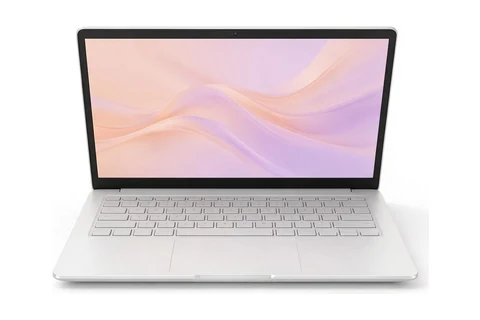
Acer
Illustration, not the exact model
#1
Acer Chromebook Plus Spin 714
Teachers who present, mark with a stylus and connect to projectors
Updated October 13, 2026. We may earn a commission if you buy through our links. Read our affiliate disclosure.
The best laptop for teachers right now is the Acer Chromebook Plus Spin 714. Teachers need one laptop that handles lesson planning, grading, video lessons and presenting to a class, often on a battery that has to last the school day. This list is for teachers and tutors who prepare lessons, grade work, teach online and present in classrooms.
Prices change often, so check the current price on Amazon before you buy.
As an Amazon Associate I earn from qualifying purchases.
Our top pick
Illustration, not the exact model
#1
Teachers who present, mark with a stylus and connect to projectors
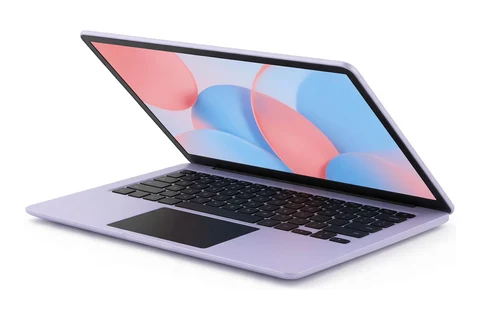
Illustration, not the exact model
#2
Teachers who mostly use web tools, email and video
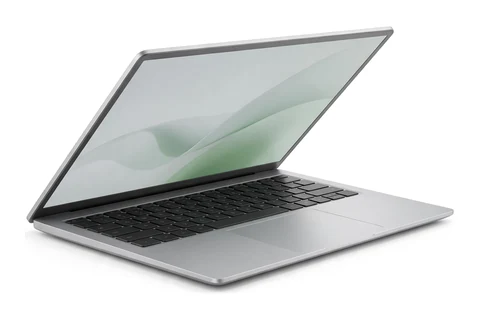
Illustration, not the exact model
#3
Teachers who need Windows software and a flip-screen laptop
Picks last checked October 13, 2026.
| Rank | Laptop | Best for | Price |
|---|---|---|---|
| 1 | Acer Chromebook Plus Spin 714 | Teachers who present, mark with a stylus and connect to projectors | See review |
| 2 | Asus Chromebook Plus CX34 | Teachers who mostly use web tools, email and video | See review |
| 3 | HP OmniBook X Flip 14 | Teachers who need Windows software and a flip-screen laptop | See review |
| 4 | Apple MacBook Neo | Teachers who prefer a Mac and want it to last | See review |
| 5 | HP OmniBook 5 14 | Teachers who cannot count on a free outlet | See review |
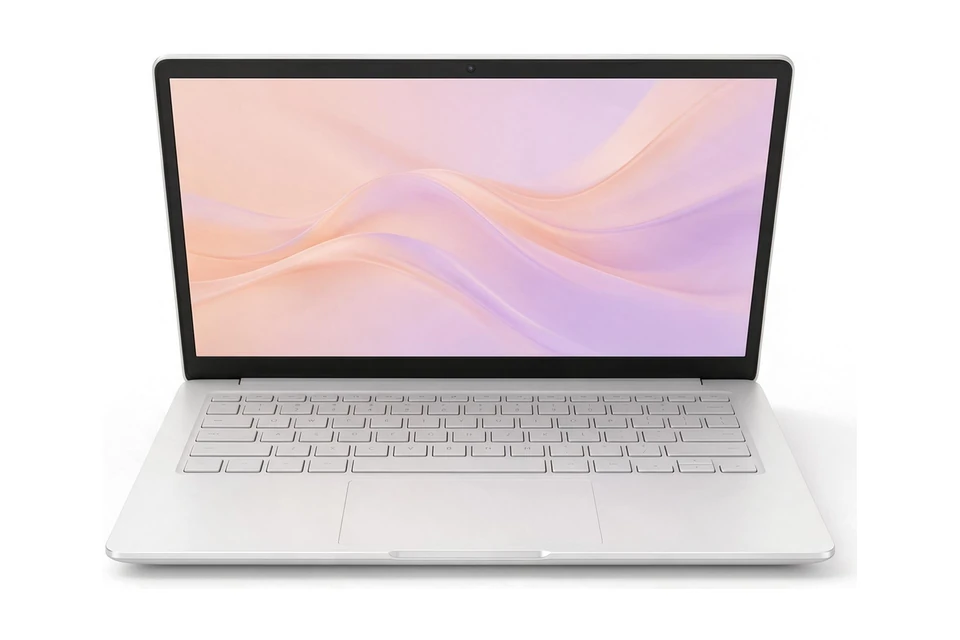
Illustration, not the exact model
The flip design works as a laptop, tablet or tent for presenting, and the touchscreen supports a stylus for marking. Two Thunderbolt 4 ports and HDMI 2.0 make it easy to plug into classroom screens. PCMag and RTINGS both recommend it as the best Chromebook under $1,000.
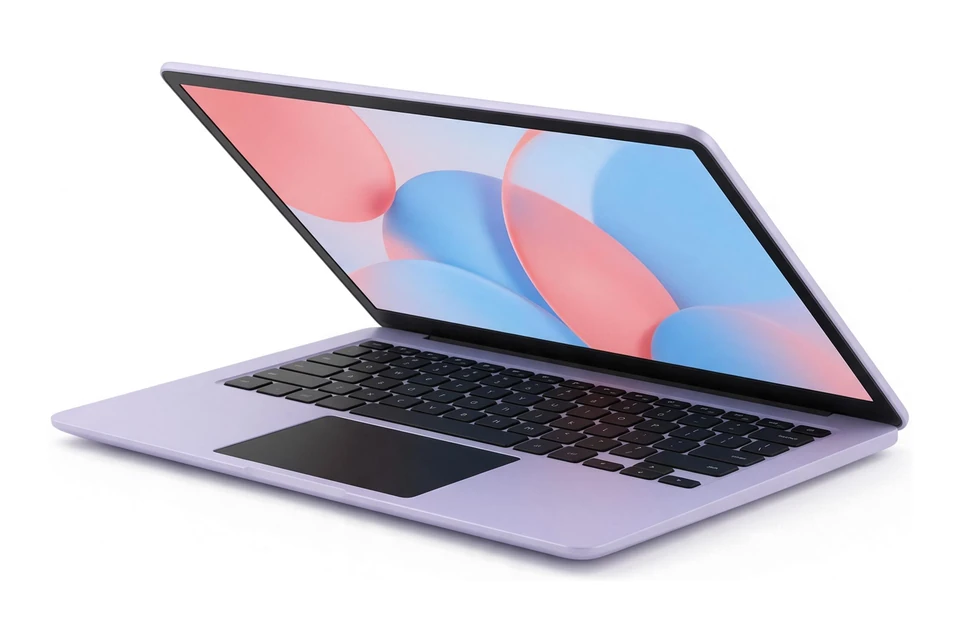
Illustration, not the exact model
The keyboard is comfortable and spacious, the touchscreen is bright and PCMag measured about 12 hours of battery life. It weighs just over 3 lb. It has 8GB of memory and 128GB of storage, so keep large files in the cloud.
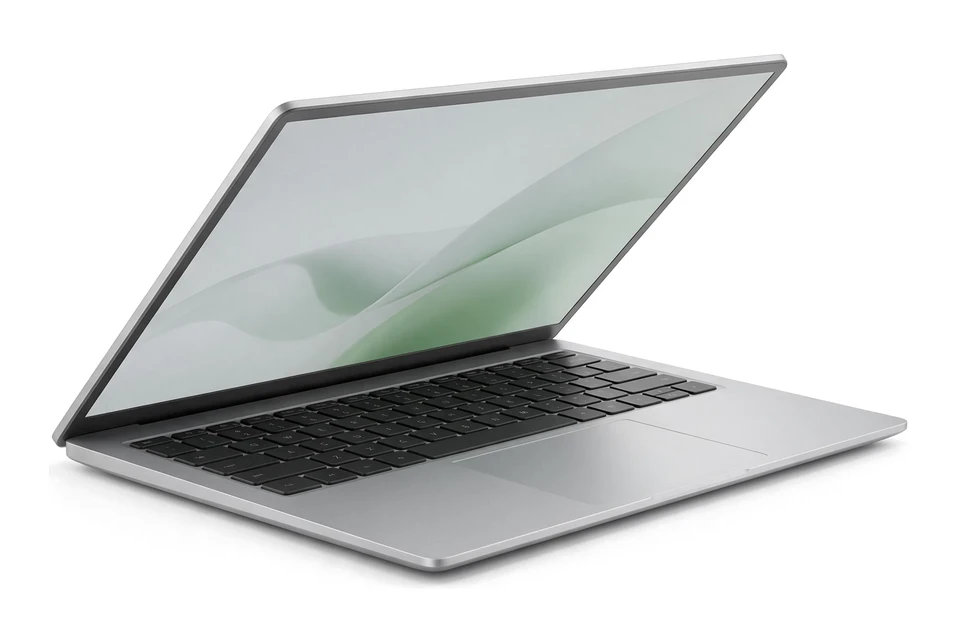
Illustration, not the exact model
The flip design suits note-taking and presenting, and the all-metal chassis stands up to a school bag. It has 16GB of memory and a 512GB drive. Normal price is around $800, with sales as low as about $599, and battery life is only average.
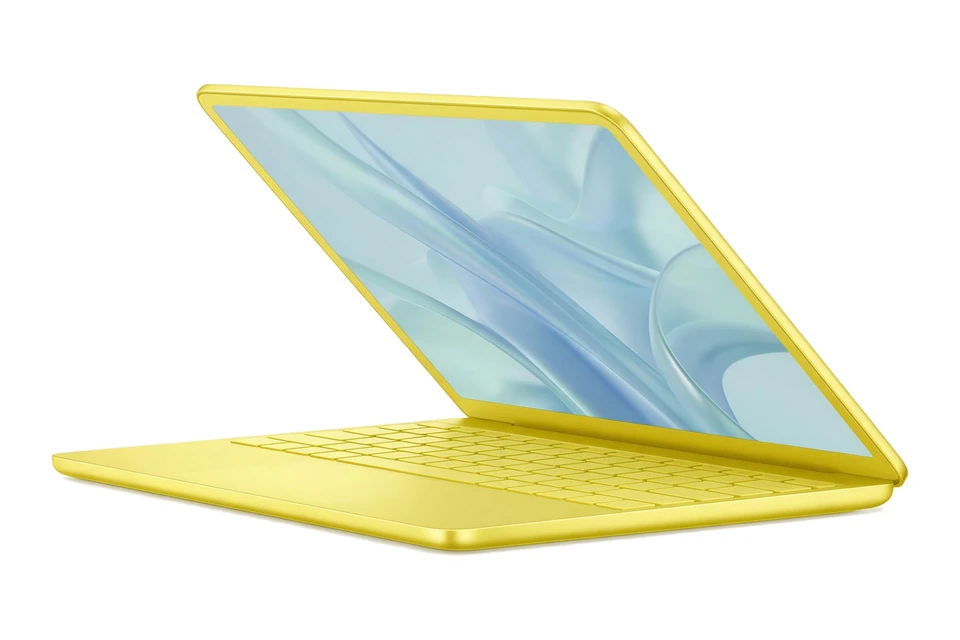
Illustration, not the exact model
It is Apple's lowest-priced MacBook, quiet and light with a strong display and keyboard. Battery life of over 13 hours covers a full school day. Check that your school's systems and projectors work with the ports it offers.
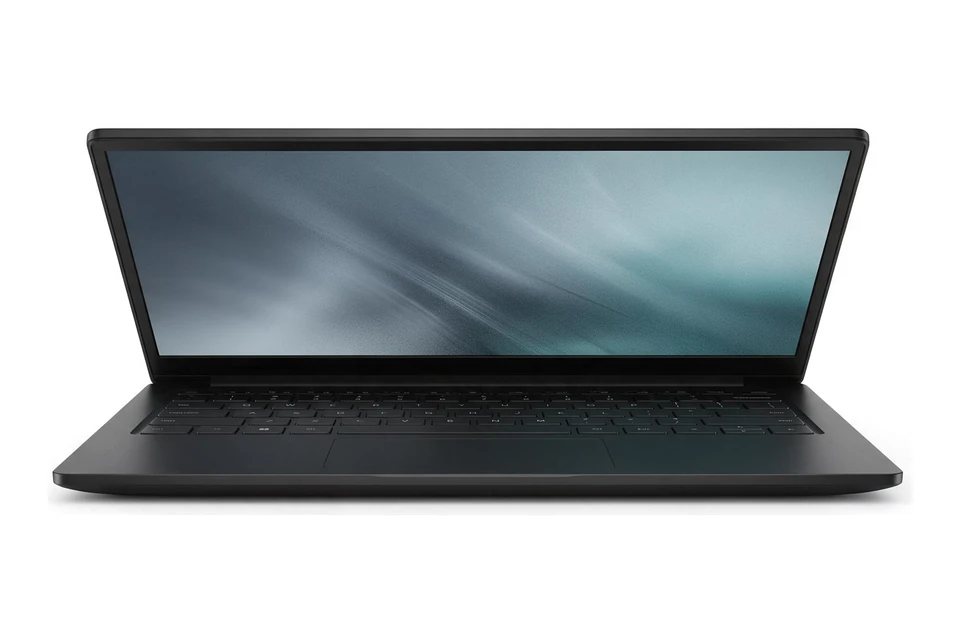
Illustration, not the exact model
The 34-hour battery claim, measured at over 30 hours by PCMag, means the charger can stay at home. The OLED display and 1080p webcam are good for remote lessons. It is an Arm laptop, so confirm that your school software supports it.
Teachers use a laptop for planning lessons, grading, email, presenting in class and, often, teaching online. That mix calls for a reliable, responsive laptop with good battery life rather than raw power.
It also needs to move between home, the staff room and the classroom without fuss. A light laptop that wakes instantly and lasts the school day without a charger takes one worry off a busy schedule. Think about which parts of your week are hardest on your current device, and buy to fix those.
Check how the laptop connects to the projector or display in your classroom. Many rooms still use HDMI, while newer setups use USB-C or wireless casting. Having the right port built in saves you from searching for adapters before class.
A laptop that wakes quickly and connects reliably makes the start of each lesson smoother. Speakers loud enough for a short video clip are a bonus, though a small external speaker is better for a full room.
A touchscreen with pen support can make marking digital work, annotating slides and drawing diagrams much easier. A 2-in-1 that folds into a tablet works well for walking around the room. Our convertible laptops guide covers what to look for.
If you prefer a traditional laptop, a tablet you already own can often mirror your screen for annotation, so a 2-in-1 is a useful extra rather than a must.
If you teach online, the webcam and microphones matter as much as the processor. A 1080p webcam and good noise reduction help students see and hear you clearly. Good lighting in front of you helps the picture as much as the camera does.
16GB of memory keeps video calls smooth while you share your screen and run other apps. Our laptops for video calls guide goes into more detail on home setups.
Evenings of planning and grading are easier with a comfortable keyboard and a screen big enough to keep a rubric and student work side by side. A 14 inch screen is a good balance for carrying, and an external monitor at home makes split screen work much easier.
Cloud storage keeps lesson plans in sync between home and school, so a laptop that works well with your school's cloud tools saves time every week.
Classrooms do not always have a free outlet near the front of the room, so battery life matters. Look for independent battery tests rather than the maker's claim, and check that the laptop charges over USB-C so a spare charger can stay in your classroom.
Teachers' laptops travel a lot. A sturdy build, a good warranty and a protective sleeve help a laptop survive years of bags, desks and staff rooms.
Many schools use Google Workspace or Microsoft 365, and some issue managed devices. Check what your school supports before you buy, and whether it already provides a laptop for school work.
If your school runs on Google tools, a Chromebook can be a simple and secure option; our affordable Chromebooks guide explains the trade-offs. Keep student data on the systems your school approves rather than on personal storage.
Choose how you will use it, your budget and your operating system, and our AI assistant will suggest matches.
Not sure? Take the laptop quiz. Torn between two of these picks? Compare them side by side.
A reliable, lightweight laptop with good battery life, a clear webcam and the right ports for your classroom display. A touchscreen with pen support is a bonus for marking and annotating.
If your school uses Google Workspace, a Chromebook is a simple, secure and affordable choice. If you need specific desktop software, check that it runs on ChromeOS first.
Not always, but a 2-in-1 with a pen makes it easier to mark work by hand, annotate slides and draw diagrams in class.
8GB covers planning and grading. 16GB is better if you teach online and run video calls alongside other apps.
Check your school's policy. School devices are often managed and monitored, so many teachers keep personal tasks on a separate device.
Or browse every laptop buying guide by use case, budget and type.
AI Assistant
Quick responses:
Press Enter to send • Shift+Enter for new line