Our top pick
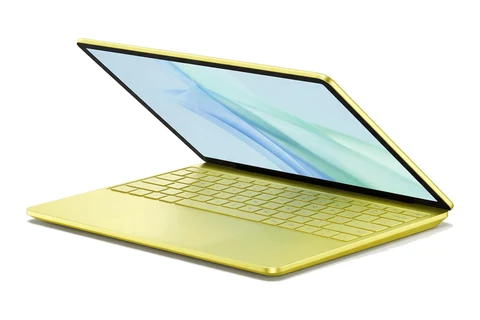
Apple
Illustration, not the exact model
#1
Apple MacBook Neo
Most people who want a laptop that feels premium and lasts years
Updated October 13, 2026. We may earn a commission if you buy through our links. Read our affiliate disclosure.
The best budget laptop right now is the Apple MacBook Neo. A good budget laptop gets the important things right, speed for everyday tasks, a usable screen and a decent battery, and saves money only where you will not notice. This list is for anyone who wants the most laptop for their money, whatever their budget ceiling is.
Prices change often, so check the current price on Amazon before you buy.
As an Amazon Associate I earn from qualifying purchases.
Our top pick
Illustration, not the exact model
#1
Most people who want a laptop that feels premium and lasts years
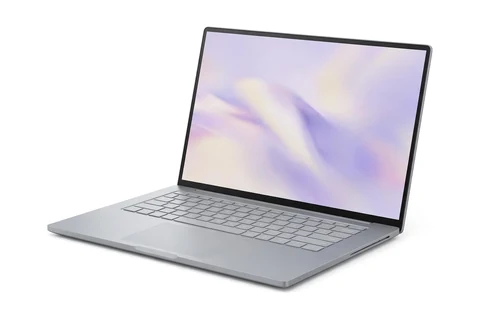
Illustration, not the exact model
#2
Buyers who want 16GB of memory and a big screen for less
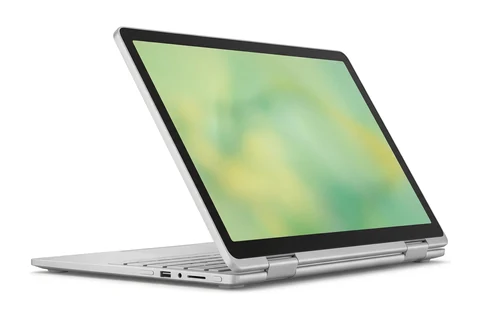
Illustration, not the exact model
#3
Students and families who want a flip-screen laptop for little money
Picks last checked October 13, 2026.
| Rank | Laptop | Best for | Price |
|---|---|---|---|
| 1 | Apple MacBook Neo | Most people who want a laptop that feels premium and lasts years | See review |
| 2 | Lenovo IdeaPad Slim 3x | Buyers who want 16GB of memory and a big screen for less | Check price on Amazon |
| 3 | Lenovo Chromebook Plus 2-in-1 Gen 10 | Students and families who want a flip-screen laptop for little money | See review |
| 4 | Acer Aspire 16 AI (Copilot+ PC) | Buyers who want a large screen and long battery life | See review |
| 5 | Asus Chromebook Plus CX34 | People who want an easy laptop for web, email and video calls | See review |
| 6 | Acer Chromebook Plus 515 | People who want a large Chromebook screen for web work and streaming | Check price on Amazon |
| 7 | Acer Aspire Go 15 (2025) | Buyers who want a low-cost Windows laptop with plenty of ports | Check price on Amazon |
| 8 | Lenovo IdeaPad Slim 3 15 (Gen 11) | Buyers who want a bright 120Hz touchscreen and 16GB of memory at a discount | Check price on Amazon |
| 9 | Lenovo Chromebook Duet 11 (Gen 9) | Kids and casual users who want a light tablet that can also act as a laptop | Check price on Amazon |
| 10 | Asus Chromebook CX15 | Shoppers who need a very cheap screen for email, browsing and online classes | Check price on Amazon |
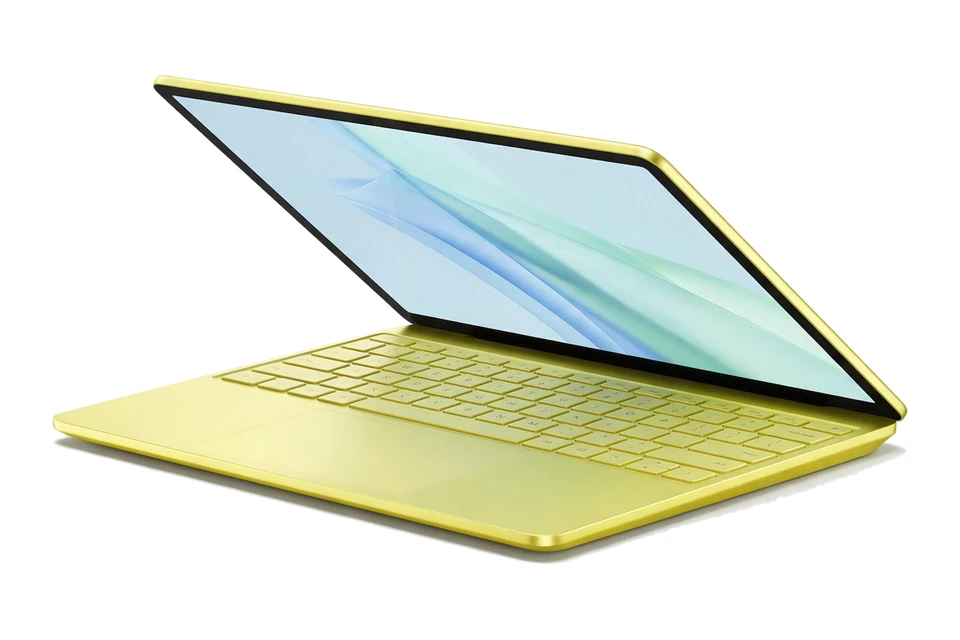
Illustration, not the exact model
It is Apple's cheapest MacBook, yet it has an aluminum body, a good display and a quiet fanless design. Everyday speed is strong and the battery lasted over 13 hours in testing. The fixed 8GB of memory is the main limit.
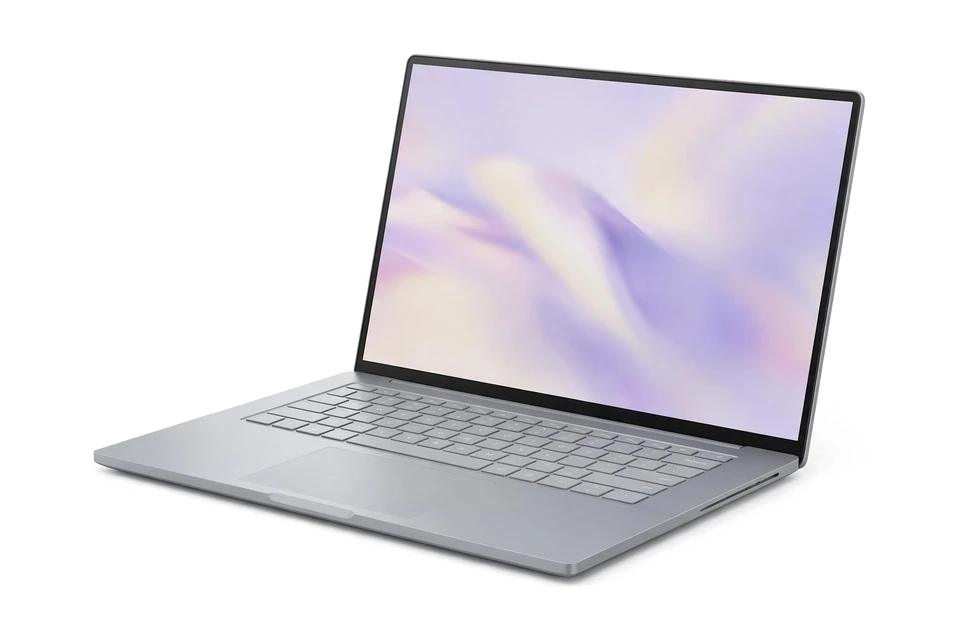
Illustration, not the exact model
On sale this laptop gives you 16GB of memory, a large touchscreen and one of the longest battery runtimes in its class. The list price is $749, so wait for a discount. The display and speakers are weak points.
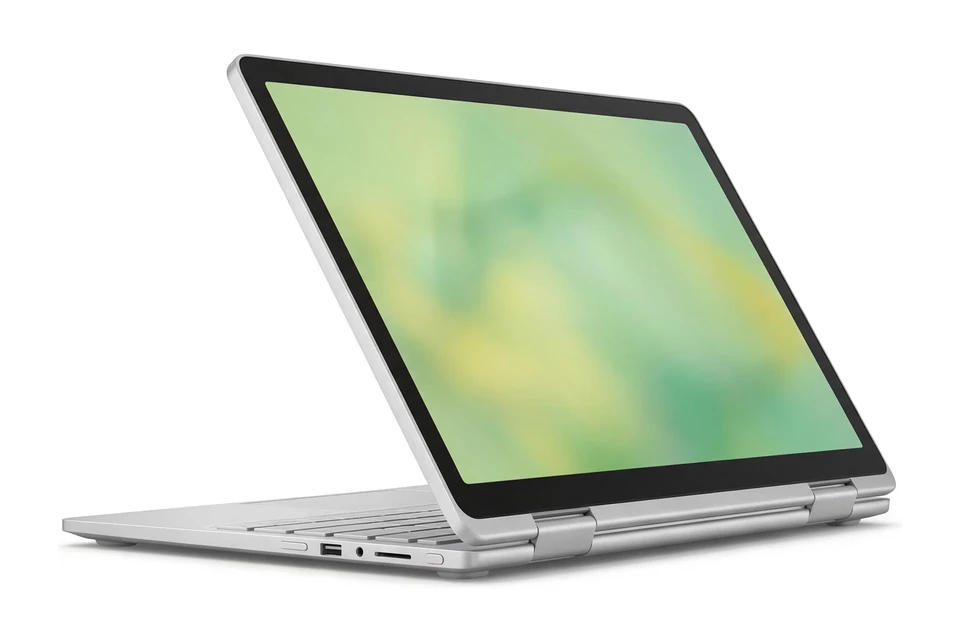
Illustration, not the exact model
It is one of the cheapest ways to get a proper 2-in-1 with a comfortable keyboard and a premium-feeling build. ChromeOS keeps it simple and secure for web apps, documents and streaming. Expect a dim display and average battery life.
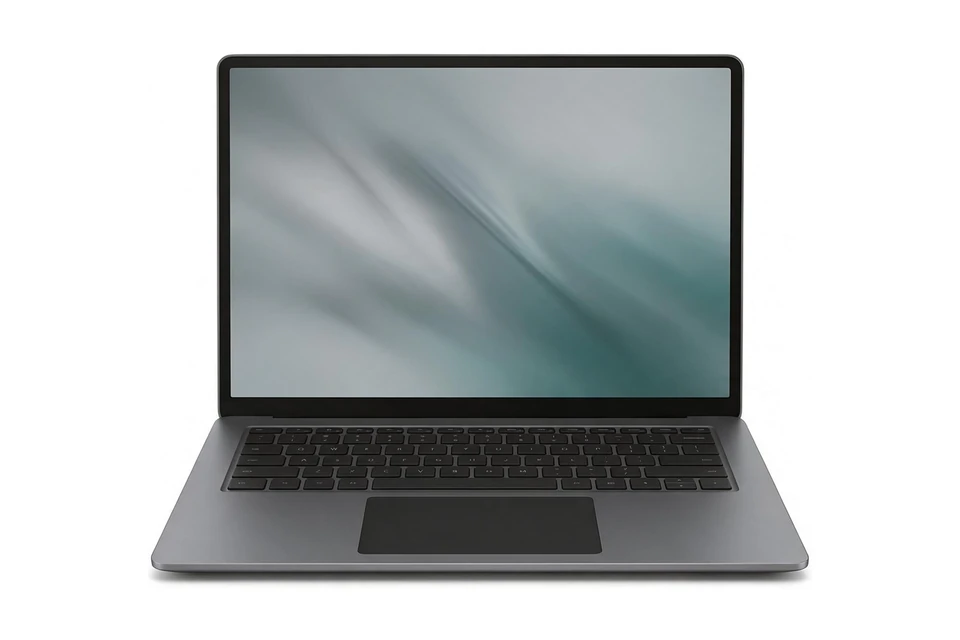
Illustration, not the exact model
A 16-inch 120Hz display, 16GB of memory, a backlit keyboard and a 1440p webcam for around $700 make this one of the better deals in its band. Battery life exceeded 20 hours in testing. Performance is modest and it uses an Arm chip.
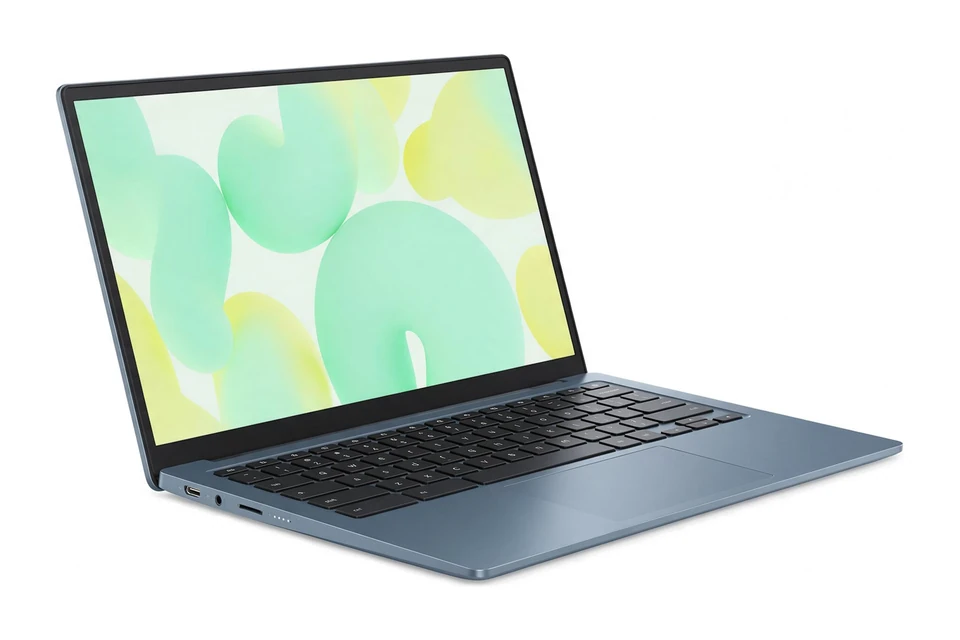
Illustration, not the exact model
PCMag testing found about 12 hours of battery life, and the keyboard and trackpad are comfortable. The bright touchscreen and crisp webcam suit everyday tasks and video calls. It has only 8GB of memory and 128GB of storage, so it is best for light use.
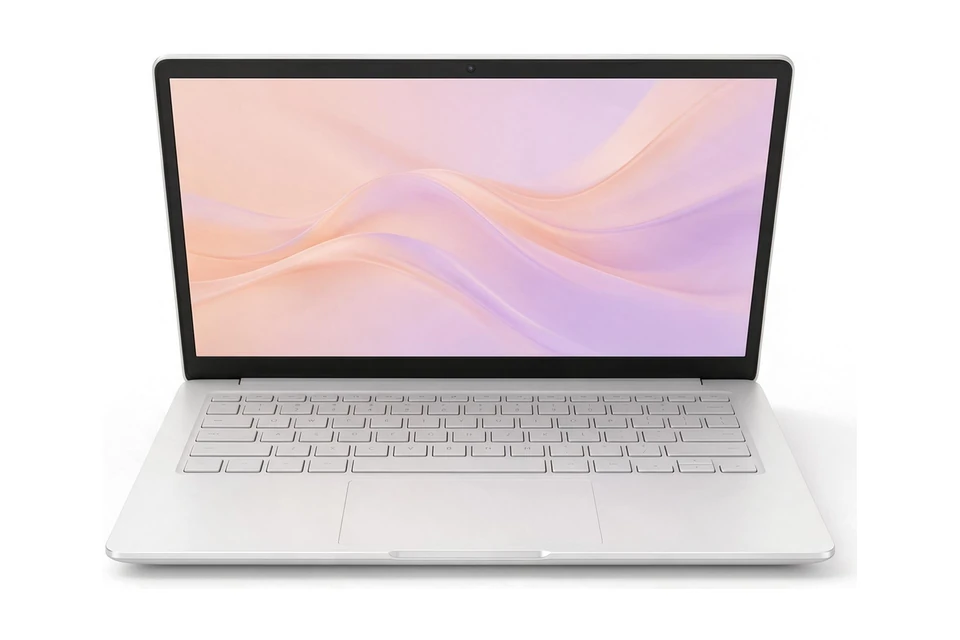
Illustration, not the exact model
This Chromebook gives you a full-size 15.6-inch 1080p screen, zippy everyday performance and a nice typing experience for around $400 at review time. It also has a 1080p webcam and good audio. The review is from 2023, so check that the version you buy still matches these specs.
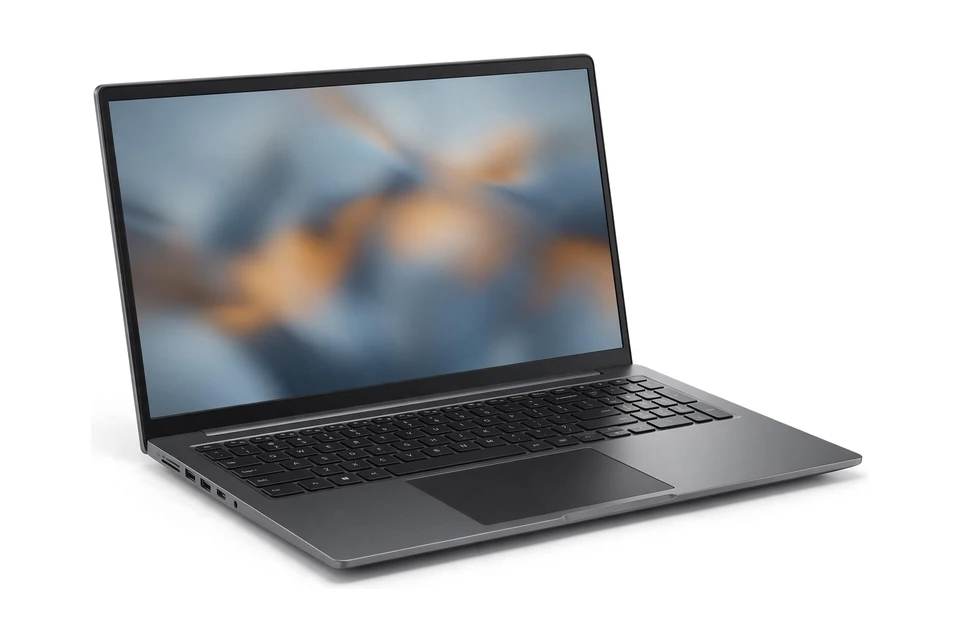
Illustration, not the exact model
This is one of the cheapest ways to get a full-size Windows laptop, with a wide port selection and the option of 16GB of memory and 512GB of storage. The processor holds back performance and battery life is only average, so it suits light tasks like browsing, documents and streaming.
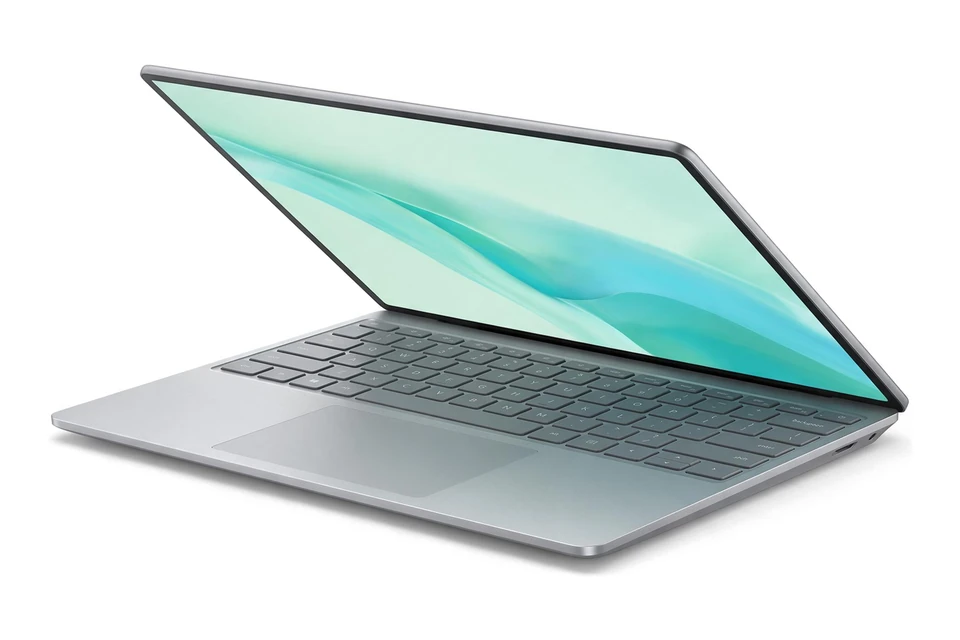
Illustration, not the exact model
When it is discounted this laptop gives you a colorful 120Hz touchscreen, 16GB of memory and a light 2.82 lb body. It runs cool and quiet with decent battery life. At full list price it is not a budget laptop, so only buy during a deal.
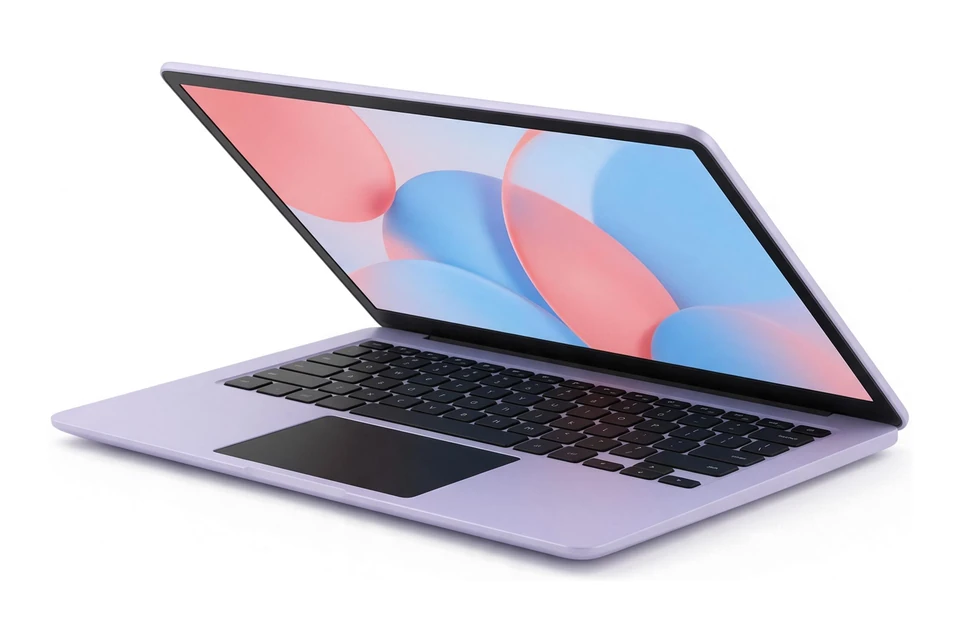
Illustration, not the exact model
This is a detachable Chromebook that works as a tablet with a stylus or as a small laptop with the folio keyboard. It is very light and Laptop Mag found solid battery life and good cameras for the price. It only has 4GB of memory and a small screen, so it is for simple tasks.
Illustration, not the exact model
PCWorld calls this extremely inexpensive, and you still get a sharp 15.6-inch 1080p display, a keyboard that is enjoyable to use and decent speakers. The slow dual-core processor and 4GB of memory limit it, so keep it to light web tasks and avoid many open tabs.
As an Amazon Associate I earn from qualifying purchases.
The best budget laptop is the one that does your work well for years at a fair price, not the cheapest one on the shelf. A laptop that costs a little more but has more memory and a better screen is often better value, because you keep it longer and enjoy using it more.
Start by listing what you will actually do: browsing, schoolwork, office documents, video calls, photo editing or games. That list decides which specs are worth paying for and which ones you can skip.
Budget laptops cover a wide range. At the lowest prices you get the basics for browsing, email and schoolwork, and our cheap laptops under $300 guide shows what works there.
Spend a little more and you get smoother everyday performance; our best laptops under $500 are the sweet spot for many people. Near the top of the budget range, our laptops under 700 dollars bring better screens and sturdier builds.
If gaming matters, a budget gaming laptop is a different kind of purchase, since most of the money goes into the graphics card. Decide that first, because it changes everything else on this list.
Memory comes first: 8GB is the minimum for Windows and 16GB is worth paying for if you can. An SSD is a must for speed. A 1080p screen makes reading and writing more comfortable. These three matter more than the processor name for everyday tasks.
Things that add cost without adding much for most people include touchscreens, very thin metal designs and the fastest processors in a range. Pay for them only if you know you will use them.
ChromeOS runs well on modest hardware, so a Chromebook often feels faster than a Windows laptop at the same low price, as long as your work happens in a browser. Windows is the better choice if you need specific desktop programs.
Macs are less common at the lowest prices, though older models and certified refurbished units can bring them within reach. Whichever you choose, check how long the laptop will keep receiving security updates.
For students, ask the school whether it requires a specific operating system before you buy.
Last year's models are often discounted when new versions arrive, and the difference for everyday use is usually small. Certified refurbished laptops from the maker or trusted retailers can also be good value if they come with a warranty.
Back-to-school season and the end of the year usually bring the biggest sales. Compare the exact configuration, not just the model name, because a discounted laptop is only a deal if it has the memory and storage you need.
Watch for laptops with 4GB of memory, very small eMMC storage or low resolution screens. They look cheap on paper but often feel slow or cramped quickly. Read the full specs in the listing, not just the headline price.
Also check the battery life in independent reviews and the weight if you will carry the laptop often. A budget laptop that needs a charger by lunchtime or feels heavy in a bag is poor value, however low the price.
Finally, avoid paying extra for software bundles or add-ons you do not need. The standard warranty and the free security tools built into every major operating system cover most people.
Choose how you will use it, your budget and your operating system, and our AI assistant will suggest matches.
Not sure? Take the laptop quiz. Torn between two of these picks? Compare them side by side.
It depends on what you do. For browsing, email and schoolwork, a modest budget is enough. If you multitask heavily, edit photos or want a laptop to last many years, spending more on memory and a better screen pays off.
Memory. 8GB is the minimum for a smooth Windows laptop and 16GB is better if your budget allows. It affects everyday speed more than any other spec.
Many are, especially from established brands. Check reviews for build quality and look at the warranty length. Treating the laptop with care, such as carrying it in a padded sleeve, helps a lot.
A certified refurbished laptop with a warranty can be excellent value. Check the battery condition and, for Chromebooks, how long the laptop will receive updates.
Back-to-school season and the end of the year usually bring the biggest discounts. If you need a laptop now, buying at a fair price is better than waiting months for a sale.
Or browse every laptop buying guide by use case, budget and type.
AI Assistant
Quick responses:
Press Enter to send • Shift+Enter for new line