Our top pick
Asus
Illustration, not the exact model
#1
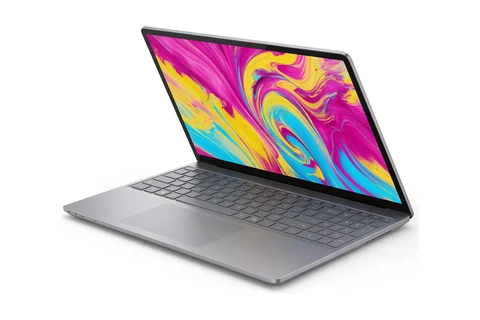
Asus ProArt GoPro Edition (PX13)
Windows users who want a color-accurate screen in a compact body
Updated October 13, 2026. We may earn a commission if you buy through our links. Read our affiliate disclosure.
The best laptop for photo editing right now is the Asus ProArt GoPro Edition (PX13). A photo editing laptop needs a screen with accurate, wide color, enough memory for large RAW files and storage fast enough to keep your catalog responsive. This list is for photographers and hobbyists who edit in Lightroom, Photoshop, Capture One or similar apps at home and on location.
Prices change often, so check the current price on Amazon before you buy.
As an Amazon Associate I earn from qualifying purchases.
Our top pick
Illustration, not the exact model
#1
Windows users who want a color-accurate screen in a compact body
Illustration, not the exact model
#2
Photographers who edit on location and want an accurate screen
Illustration, not the exact model
#3
Photographers and bloggers who value low weight
Picks last checked October 13, 2026.
| Rank | Laptop | Best for | Price |
|---|---|---|---|
| 1 | Asus ProArt GoPro Edition (PX13) | Windows users who want a color-accurate screen in a compact body | See review |
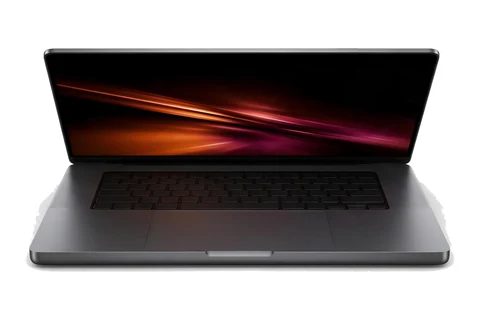
| 2 | Apple MacBook Pro 14-inch (M5) | Photographers who edit on location and want an accurate screen | See review |
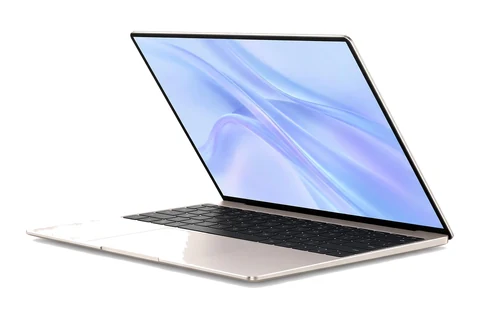
| 3 | Apple MacBook Air M5 (15-inch) | Photographers and bloggers who value low weight | See review |
| 4 | Apple MacBook Pro 16-inch (M5 Pro, 2026) | Professionals who need the biggest display and the most power | See review |
| 5 | Asus Zenbook Duo (2026) | Editors who want a second screen for tools and panels | See review |
Illustration, not the exact model
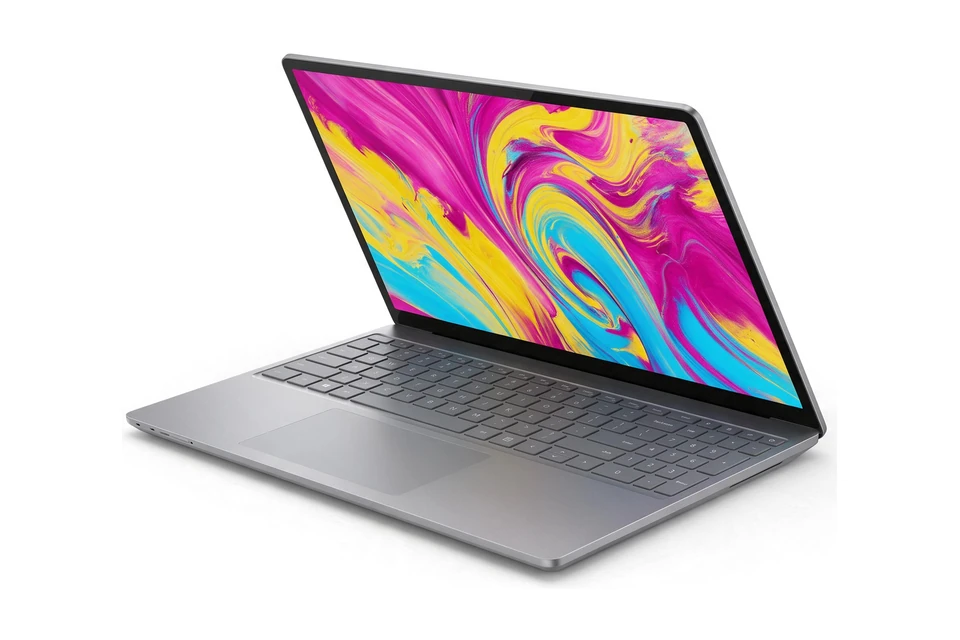
The 3K OLED display is striking and color accurate, and Tom's Guide named this its best Windows pick for creative work. The 128GB memory option is far more than photo work needs, but it keeps large catalogs and layered files smooth. It has a 60Hz display and only a microSD slot.
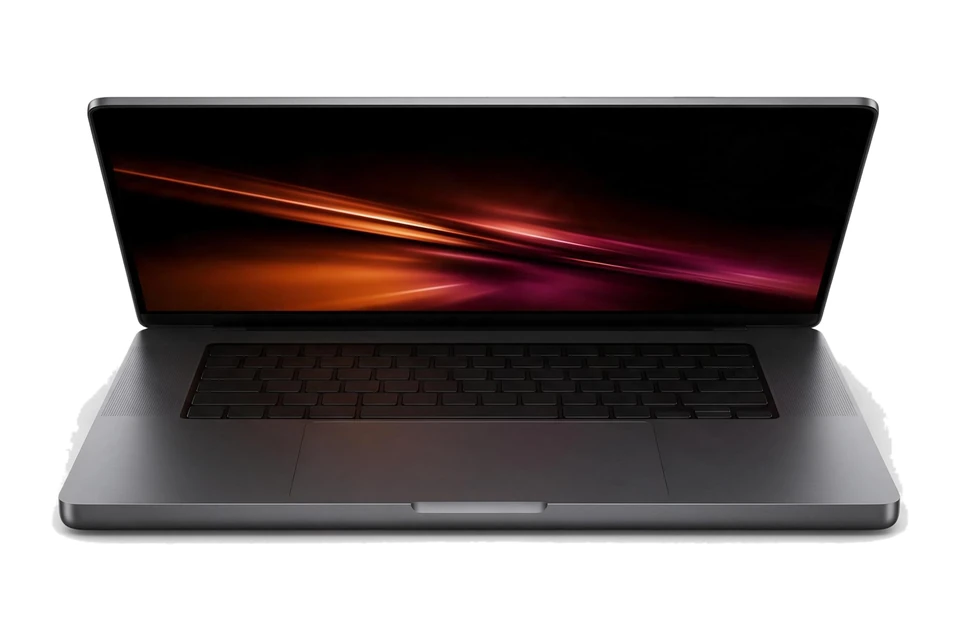
Illustration, not the exact model
The 14-inch Liquid Retina XDR display is excellent for color work, and the laptop is easy to carry. Battery life was about 18 hours in Tom's Guide testing. It is a modest upgrade over the M4 version.
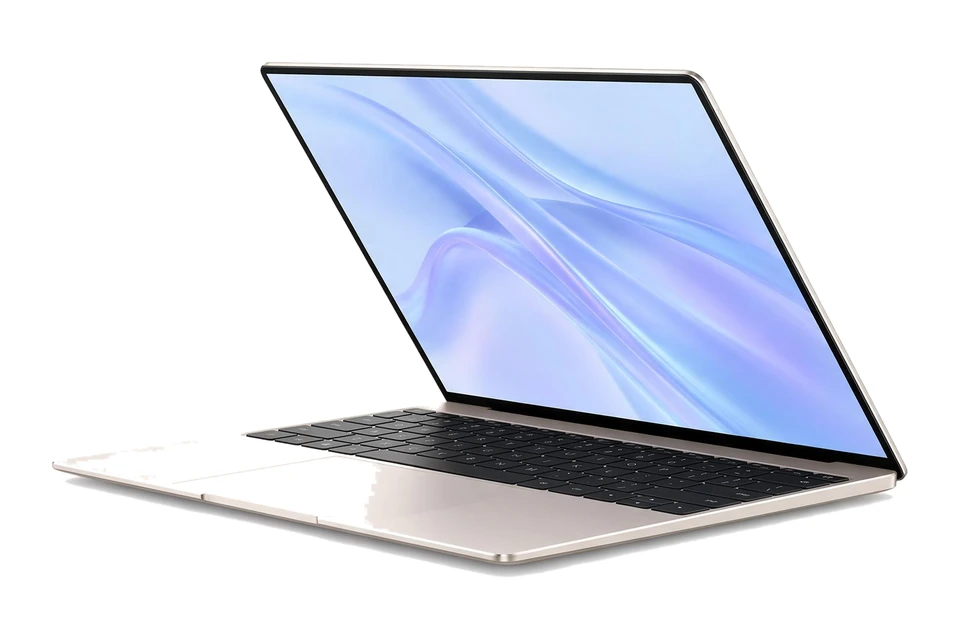
Illustration, not the exact model
If your editing is mostly photos, this gives you a big 15.3-inch screen in a light, durable body with very long battery life. It lacks the extra cooling and graphics power of the Pro models for long, heavy exports.
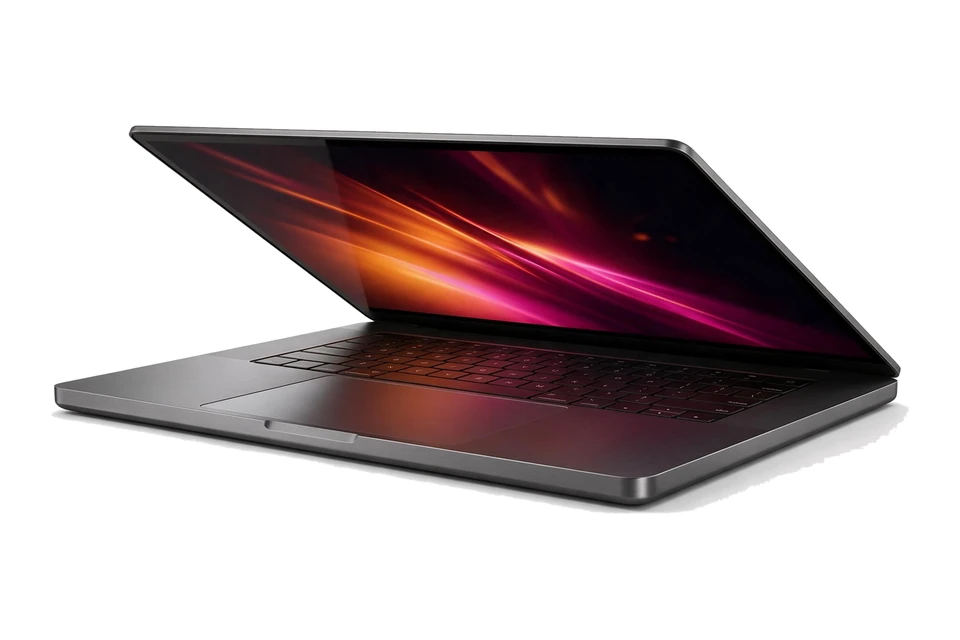
Illustration, not the exact model
The 16.2-inch XDR display gives the most room for judging detail, and the 24GB to 64GB memory range handles large catalogs. It is the strongest all-round creator laptop in Tom's Guide testing. It is heavy and the most expensive pick here.
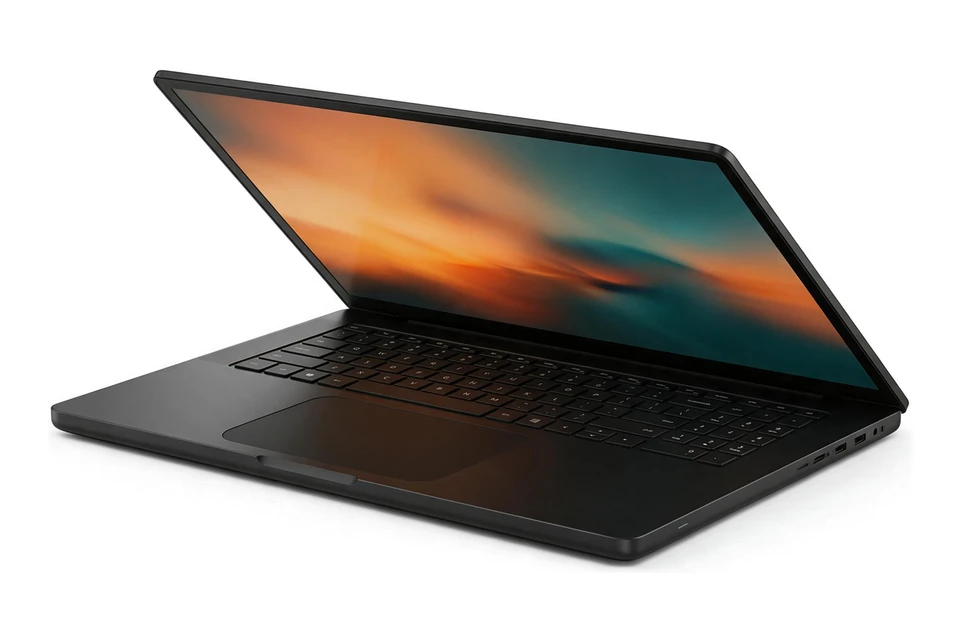
Illustration, not the exact model
Two 14-inch OLED screens let you keep the image on one and your panels and file browser on the other. Tom's Guide praised its efficiency and ergonomics. It is expensive and heavier at 3.8 lb, and it has no SD card reader.
For photo editing, the screen matters as much as the processor. You need to see color and detail accurately, or your edits will look different on other screens and in print. Look for a panel with wide color coverage, good brightness and a high resolution.
Reviews that measure color accuracy are more useful than marketing terms. A screen that looks impressive in a store can still show colors that are too saturated for accurate editing.
Most photographers work in the sRGB color space for the web, and some use wider spaces such as Adobe RGB or DCI-P3 for print and high end work. A screen that covers the space you use, and comes calibrated from the factory or can be calibrated with a hardware tool, saves you guesswork.
Glossy screens show rich color but reflect light. Matte screens are easier to use near windows. If you edit in different places, a bright screen helps keep your judgement consistent.
Editing RAW files, building previews and exporting large batches use the processor heavily. A recent processor helps, and 16GB of memory is a sensible minimum for smooth editing, with 32GB useful for large files, panoramas and heavy layered work.
Fast SSD storage speeds up importing and browsing a big catalog, and 1TB gives a growing library room. Many photographers keep older shoots on an external drive and the current year on the laptop, with a backup of everything in a second place.
Modern photo apps use the graphics processor for some tools and previews, so a capable graphics chip helps. You do not need a high end gaming graphics card for photo work, though one does no harm if you also edit video.
On many recent laptops the integrated graphics are strong enough for everyday editing, which leaves more of your budget for the screen and memory.
An SD card reader saves time if your camera uses SD cards, and fast USB-C ports help with external drives and card readers. If you edit on location, weight and battery life matter too.
Photographers who also design or illustrate may like our graphic design laptops guide, and anyone who wants to edit with a pen can compare our 2-in-1 laptops with pen support. If you also shoot video, our laptops for YouTubers guide covers the extra power video needs.
A 14 inch screen is easy to carry to shoots, while a 16 inch screen gives you more room for the photo and the editing panels at the same time. If you edit mostly on the laptop itself, the larger screen makes a real difference over long sessions; if you edit at a desk with an external monitor, a smaller laptop is fine.
Higher resolution helps you check focus and fine detail without zooming in as often, which speeds up sorting through a large shoot.
If you do most of your editing at home, a larger color-accurate external monitor can be a better investment than the most expensive laptop screen. Check that the laptop has the ports to drive it, ideally over a single USB-C or Thunderbolt cable, and calibrate both screens so they match.
Choose how you will use it, your budget and your operating system, and our AI assistant will suggest matches.
Not sure? Take the laptop quiz. Torn between two of these picks? Compare them side by side.
16GB is a good minimum for editing RAW files. 32GB helps with very large files, panoramas and heavy layered edits.
If you share or print your photos, yes. An accurate screen means the colors you edit are close to what others see. Reviews that measure color accuracy are the best guide.
OLED screens offer deep blacks and wide color, which many photographers like. Check reviews for color accuracy and brightness, and be aware that glossy screens reflect light.
For long editing sessions at a desk, a larger color-accurate monitor is a great addition. Make sure your laptop has the ports to connect it.
Not necessarily. These apps use the graphics processor for some features, and modern integrated graphics handle many tasks well. A dedicated card helps more with video editing and very heavy work.
Or browse every laptop buying guide by use case, budget and type.
AI Assistant
Quick responses:
Press Enter to send • Shift+Enter for new line