Our top pick
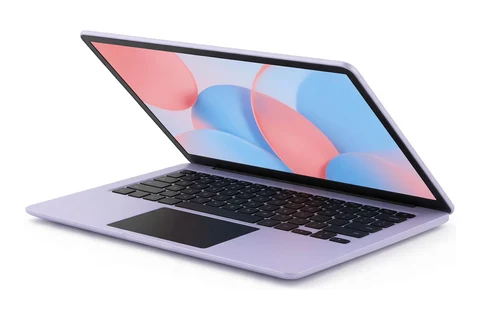
Acer
Illustration, not the exact model
#1
Acer Chromebook Plus 515
People who want a big, fast Chromebook for web work, streaming and school
Updated October 14, 2026. We may earn a commission if you buy through our links. Read our affiliate disclosure.
The best laptop under $500 right now is the Acer Chromebook Plus 515. Under $500 the best laptops get the everyday basics right, a responsive system for browsing, documents and video calls, a clear 1080p screen and a battery that lasts through a school or work day. This list is for students, families and home users who need a dependable laptop for school, work and everyday use on a tight budget.
Prices change often, so check the current price on Amazon before you buy.
As an Amazon Associate I earn from qualifying purchases.
Our top pick
Illustration, not the exact model
#1
People who want a big, fast Chromebook for web work, streaming and school
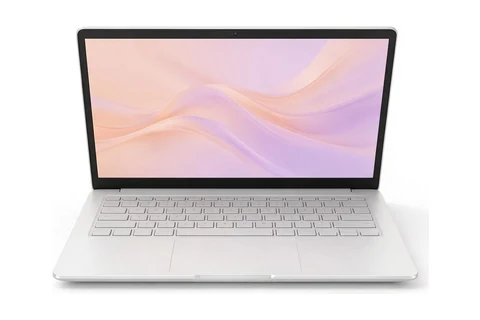
Illustration, not the exact model
#2
People who want a portable Chromebook with a great keyboard and touchscreen
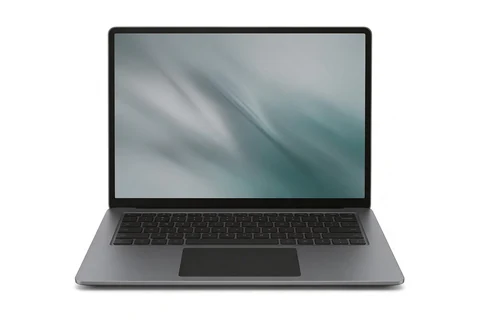
Illustration, not the exact model
#3
Buyers who need Windows and a full-size screen for the lowest price
Picks last checked October 14, 2026.
| Rank | Laptop | Best for | Price |
|---|---|---|---|
| 1 | Acer Chromebook Plus 515 | People who want a big, fast Chromebook for web work, streaming and school | Check price on Amazon |
| 2 | Asus Chromebook Plus CX34 | People who want a portable Chromebook with a great keyboard and touchscreen | Check price on Amazon |
| 3 | Acer Aspire Go 15 | Buyers who need Windows and a full-size screen for the lowest price | Check price on Amazon |
| 4 | Lenovo Chromebook Duet 11 (Gen 9) | Kids and casual users who want a light tablet that doubles as a small laptop | Check price on Amazon |
| 5 | Asus Chromebook CX15 | Shoppers who need a very cheap screen for email, browsing and online classes | Check price on Amazon |
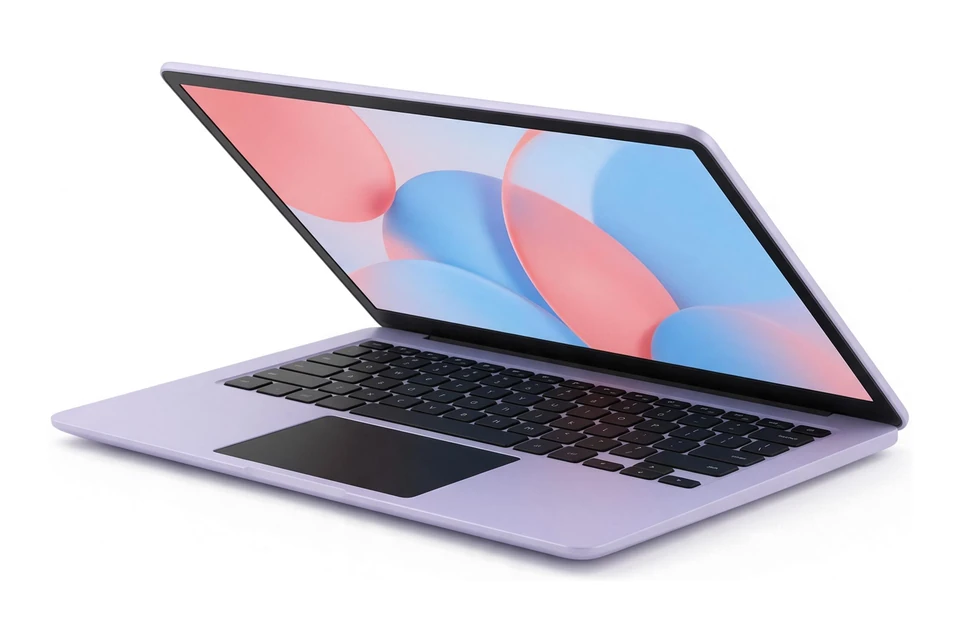
Illustration, not the exact model
This is the best all-round pick under $500 if you are happy with ChromeOS. PCWorld found zippy performance, a nice typing experience, good audio and a 1080p webcam, all on a roomy 15.6-inch screen. It was reviewed in 2023, so it is not the newest design, but the specs on the Amazon listing match what was tested.
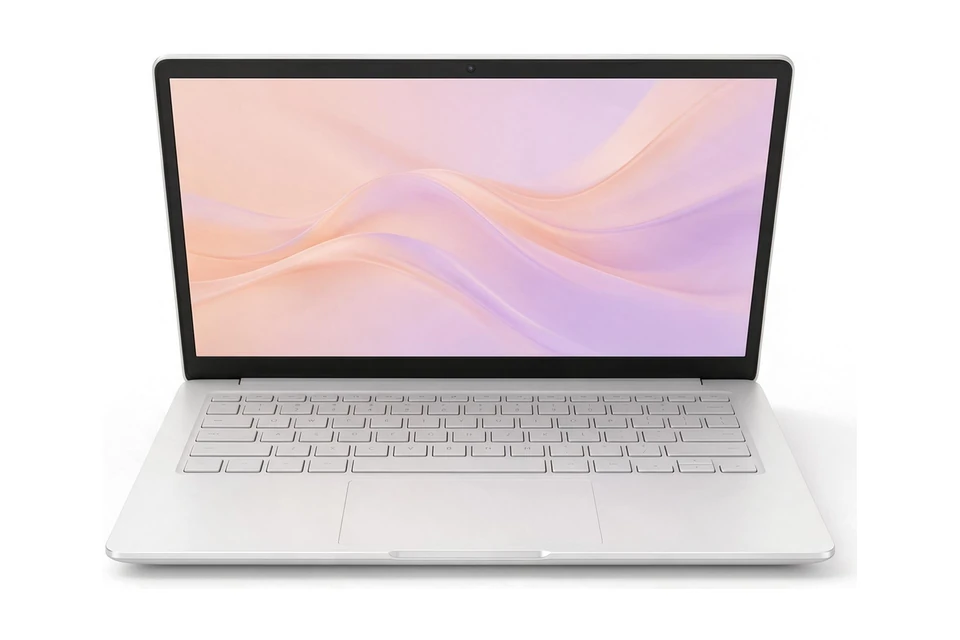
Illustration, not the exact model
PCMag liked the spacious, comfortable keyboard, the great trackpad and the bright touchscreen, and measured about 12 hours of battery. The 13th-generation Core i5 is the fastest chip in this list. It sits right at the top of the budget, and 8GB of memory and 128GB of storage mean you should keep large files in the cloud.
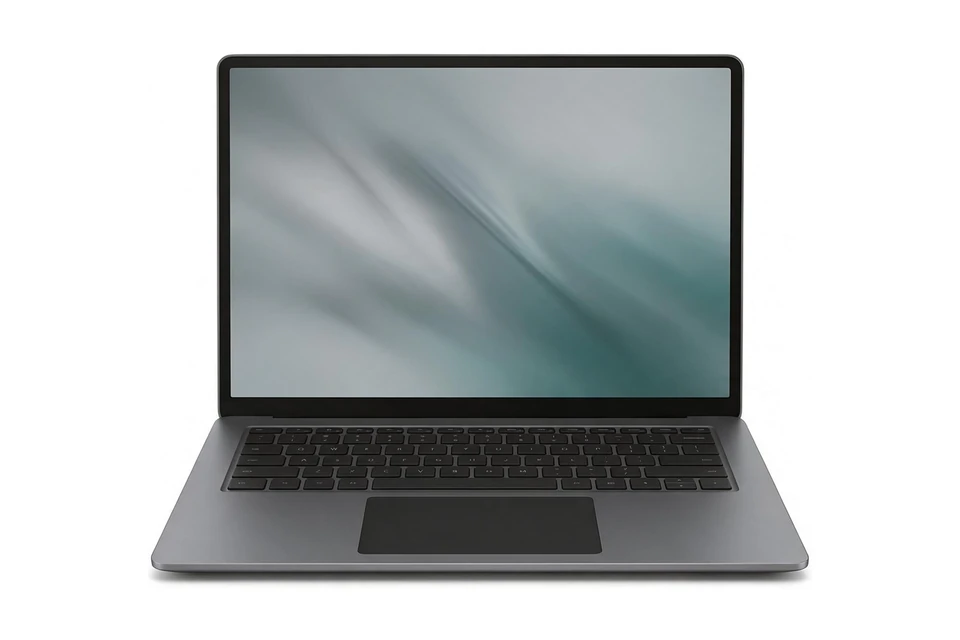
Illustration, not the exact model
This is one of the cheapest ways to get a full-size Windows laptop, with a wide port selection including HDMI. The processor holds back performance and battery life is only average, so it suits light jobs like browsing, documents and streaming. The Amazon listing is the base 8GB/128GB model, which is more limited than the larger one Tom's Guide tested.
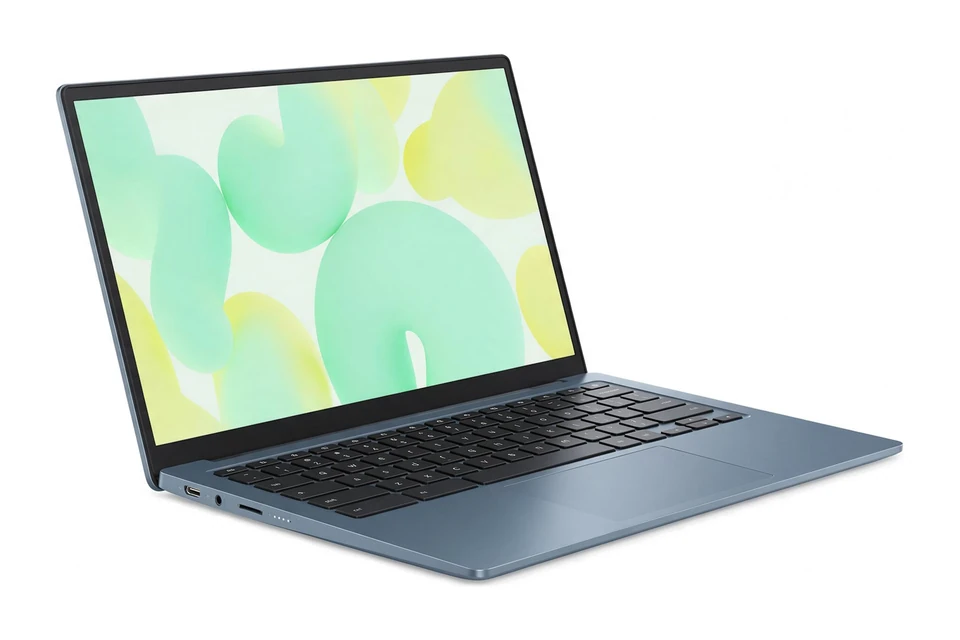
Illustration, not the exact model
This detachable Chromebook works as a tablet with a stylus or as a small laptop with the folio keyboard. It is very light and Laptop Mag found solid battery life and good cameras for the price. It only has 4GB of memory and a small screen, so it is for simple tasks.
Illustration, not the exact model
PCWorld calls this extremely inexpensive, and you still get a sharp 15.6-inch 1080p display, an enjoyable keyboard and decent speakers. The slow dual-core processor and 4GB of memory limit it, so keep it to light web tasks and avoid many open tabs.
As an Amazon Associate I earn from qualifying purchases.
Solid-state drive (SSD) for fast boot times and app loading.
At least 8GB RAM for smooth multitasking.
Intel Core i3/i5 or AMD Ryzen 3/5 processor.
Full HD (1920x1080) display for clear visuals.
6+ hours battery life for all-day use.
Lightweight design (under 4 lbs) for portability.
USB-C port for modern connectivity.
Windows 11 or ChromeOS for latest features.
Choose how you will use it, your budget and your operating system, and our AI assistant will suggest matches.
Not sure? Take the laptop quiz. Torn between two of these picks? Compare them side by side.
Yes! Modern budget laptops under $500 offer solid performance for everyday tasks like web browsing, document editing, streaming, and video calls. Look for models with at least 8GB RAM and an SSD for the best experience.
Chromebooks offer better value at this price point if you primarily use web apps and cloud storage. Choose Windows if you need specific desktop software like Adobe Creative Suite or advanced gaming.
Budget laptops may have plastic builds, lower-resolution displays, and less powerful processors compared to premium models. However, they're perfectly capable for everyday tasks when you choose the right specs.
Basic video editing (1080p with simple effects) is possible, but expect slower render times. For serious video work, invest in a laptop with 16GB RAM and a dedicated GPU, which typically costs $800+.
Or browse every laptop buying guide by use case, budget and type.
AI Assistant
Quick responses:
Press Enter to send • Shift+Enter for new line