Chromebook vs Laptop: Which One Should You Buy in 2026?
Chromebook vs laptop: compare ChromeOS with Windows and macOS on price, apps, speed, updates and security, plus who should buy each. Updated for 2026.
Disclosure: some links in this article are affiliate links, so we may earn a commission on qualifying purchases at no extra cost to you. Learn more.
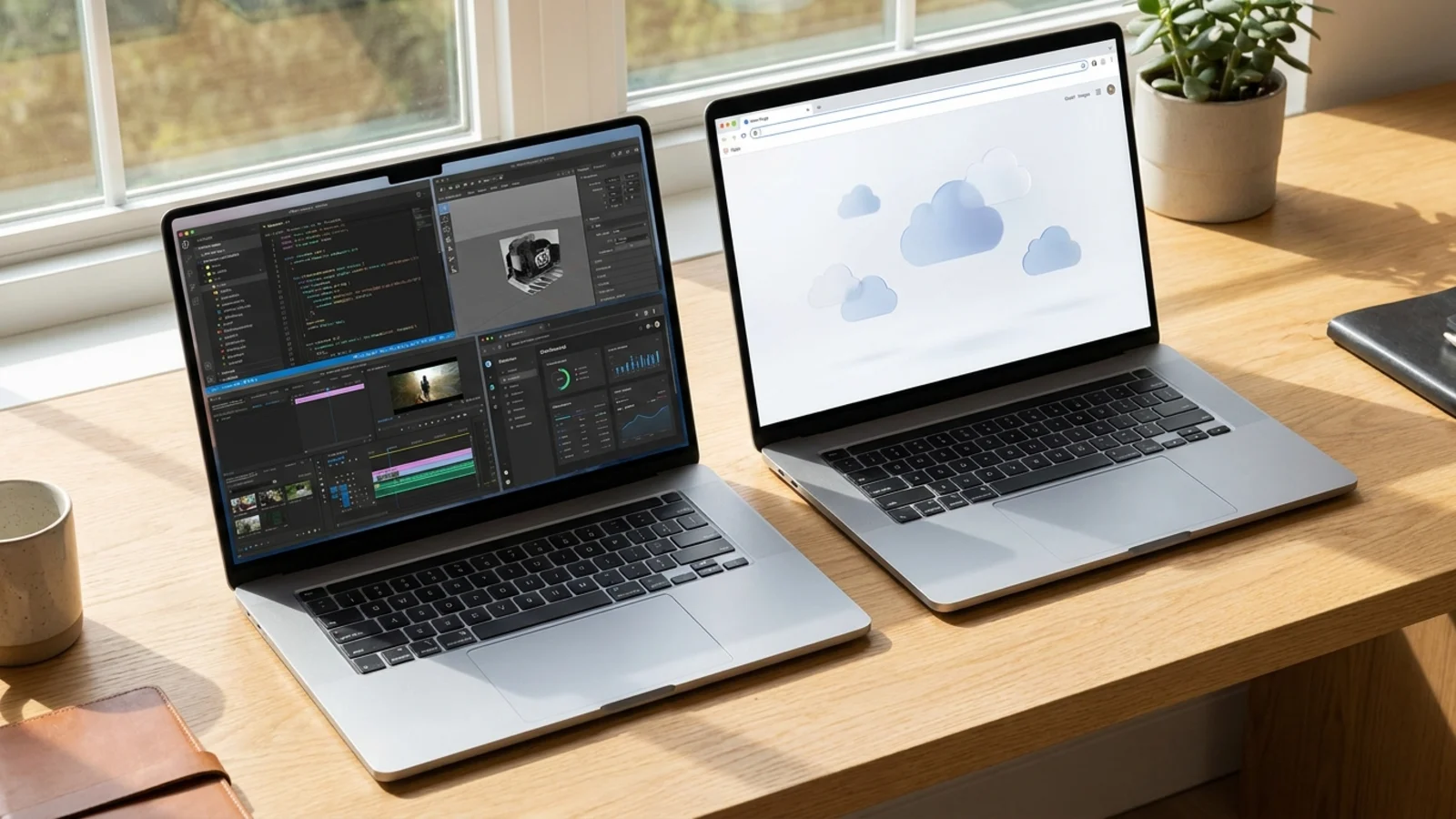
Quick answer: a Chromebook is a laptop. The difference is the operating system. Chromebooks run ChromeOS, a light system built around the Chrome browser, while other laptops run Windows or macOS. That one change affects price, the apps you can use, how fast the laptop feels and how much storage it needs.
Choose a Chromebook if you mostly work in a browser and use tools like Google Docs, Gmail, Zoom and Netflix. Choose a Windows laptop or MacBook if you need desktop software such as full Adobe apps, heavy Excel, engineering tools, many games or a lot of offline work.
What is the difference between a Chromebook and a laptop?
People ask this as if a Chromebook were a different kind of device. It is not. Both have a screen, keyboard, trackpad, battery and Wi-Fi. The real differences are:
Operating system. Chromebooks use ChromeOS. Other laptops use Windows or macOS.
Apps. ChromeOS runs web apps, Android apps from Google Play on most models and Linux apps on many. Windows and macOS run full desktop programs.
Storage. Chromebooks assume you save files in the cloud, so many have small drives.
Price. Chromebooks are generally cheaper because ChromeOS needs less powerful hardware.
Upkeep. ChromeOS updates itself quickly in the background and is simple to set up.

Chromebook vs laptop at a glance
Chromebook | Windows laptop | MacBook | |
|---|---|---|---|
Operating system | ChromeOS | Windows 11 | macOS |
Typical price | Lowest | Low to very high | Mid to high |
Software | Web apps, Android apps, some Linux apps | Almost any desktop program | Most desktop programs plus Apple apps |
Gaming | Cloud gaming, Android games | Best choice | Limited |
Heavy creative work | Limited | Strong | Strong |
Local storage needs | Low | Medium to high | Medium to high |
Setup and upkeep | Simplest | More involved | Simple |
Chromebook vs Windows laptop
This is the comparison most buyers actually need.
Where a Chromebook wins
Price. A solid Chromebook often costs far less than a Windows laptop of similar build quality.
Speed on modest hardware. ChromeOS is light, so a basic Chromebook usually feels faster than a cheap Windows laptop with the same chip.
Simplicity. Fewer settings, fewer pop-ups and short update waits.
Battery and wake time. In our picks, the Asus Chromebook Plus CX34 lasted about 12 hours in PCMag testing and the Acer Chromebook Plus 515 about 13 hours in PCWorld testing.
Built-in protection. ChromeOS runs apps in sandboxes and verifies the system at startup, so viruses are a smaller worry.
Where a Windows laptop wins
Software choice. Photoshop, Premiere Pro, full Microsoft Office, CAD tools and most PC games run on Windows but not on ChromeOS.
Storage and ports. Windows laptops usually offer more storage options and more ports.
Gaming. A Chromebook can use cloud gaming, but a Windows laptop with a graphics card plays locally.
Offline power. Most Windows work does not depend on an internet connection.
Upgradability. Many Windows laptops let you swap the SSD or add memory. Most Chromebooks do not.
To see Windows laptops by budget, browse our laptops under $500 and laptops under $1,000 picks.
Chromebook vs MacBook
A MacBook is also a laptop, and it sits at the polished end of the range. macOS runs full desktop apps, including Final Cut Pro, Xcode and Adobe software. The cheapest MacBook is the MacBook Neo at $599, and the Air starts at $1,099, so even Apple's entry price is higher than most Chromebooks. If you want a Mac, a Chromebook is the budget alternative and a Windows laptop is the closest match for software.
What is Chromebook Plus?
Chromebook Plus is a certification from Google, not a different operating system. It separates basic Chromebooks from stronger ones. A Chromebook Plus must meet higher minimum specs:
Requirement | Chromebook Plus minimum |
|---|---|
Processor | Intel Core i3 (12th gen) or AMD Ryzen 3 (5000 series), or newer |
Memory | 8GB RAM |
Storage | 128GB |
Display | Full HD (1920 x 1080) IPS |
Webcam | 1080p |
Chromebook Plus also unlocks extra AI features, such as help with writing, photo editing tools and call enhancements. It does not guarantee a good battery, keyboard or screen, so still read reviews.
A basic Chromebook can have far less. The Asus Chromebook CX15 in our picks has a dual-core Intel Celeron N4500, 4GB of RAM and 128GB of eMMC storage, which is fine for light browsing but can feel slow with many tabs. The Asus Chromebook Plus CX34 has an Intel Core i5-1335U, 8GB of RAM and a 1080p touchscreen. If you can, pay a little more for Chromebook Plus. See our best Chromebook picks.
Updates and how long a Chromebook lasts
Every Chromebook has an Auto Update Expiration date, the point when Google stops sending ChromeOS updates for that model. It is one of the most important things to check before you buy. Most current Chromebook Plus models are reported to receive updates into the early to mid 2030s, but the date depends on the hardware platform, not the brand. Look up the exact model, especially if you are buying refurbished or older stock.
Windows laptops do not have an expiry date in the same way, though Microsoft ends support for old versions and some older laptops cannot run the newest Windows. Macs get macOS updates for several years before Apple drops older hardware.
Can a Chromebook replace a laptop?
For many people, yes. It can if your day looks like this: writing in Google Docs or Microsoft 365 for the web, email and video calls, research and online classes, streaming, light photo editing with web tools, or learning to code with online tools.
It cannot if you need Adobe Photoshop, Premiere Pro or Lightroom Classic, desktop Excel with advanced features, heavy engineering or data science tools, local PC gaming, or programs your school or employer supports only on Windows or macOS. If you are unsure, ask which apps are required and check whether each has a web or Android version.
Who should buy which?
A Chromebook suits students in many programs (see our student laptop picks), parents buying a first laptop, older relatives who want something simple (our laptops for seniors guide covers this), light remote workers and anyone who wants a second laptop for the couch.
A regular laptop suits video editors and designers (start with our video editing laptop picks), programmers who need local tools, gamers, engineering and architecture students, and anyone who needs one laptop for everything, including heavy offline use.
Mistakes to avoid
Buying the cheapest Chromebook. A model with 4GB of RAM and a low-resolution screen frustrates many people within a year. Look for Chromebook Plus specs.
Ignoring the update date. A cheap, old Chromebook near its expiry is not a bargain.
Assuming all your apps will work. Check each required program before you buy.
Forgetting offline access. Chromebooks can work offline, but you have to set it up in advance.
Skipping the screen. Many budget laptops of both types have dim, low-quality displays.
How to make the final call
Which apps do you use every day? If they all run in a browser or on Android, a Chromebook works. What is your budget? Under $500, a Chromebook Plus often gives better build and speed than a Windows laptop at the same price. Do you need to work offline or on large files? If yes, choose a Windows laptop or MacBook. How long do you want it to last? Check the update date for a Chromebook or the processor generation for a Windows laptop.
Frequently asked questions
Is a Chromebook better than a laptop?
It is better for some people and worse for others. A Chromebook wins on price, simplicity and browser-based work. A Windows laptop or MacBook wins if you need desktop software, gaming or heavy creative tools.
Can Chromebooks run Windows or Microsoft Office?
Not Windows programs natively. You can use Microsoft 365 for the web, and many Chromebooks can run Android versions of Office apps. Some employers also provide remote Windows desktops through the cloud.
What is the difference between Chromebook and Chromebook Plus?
Chromebook Plus is a Google certification for models with at least a Core i3 or Ryzen 3 chip, 8GB of RAM, 128GB of storage, a Full HD IPS screen and a 1080p webcam, plus extra AI features. Regular Chromebooks can have much lower specs.
Do Chromebooks work without internet?
To a degree. Google Docs, Sheets and Slides have offline modes, and many Android apps work offline. Set up offline access before you travel, and expect more limits than on a Windows laptop or MacBook.
See our picks: the best Chromebooks
Recommended guides
- ChromeOS laptopsStudents and web workers who live in Google Docs and want a simple, fast, affordable laptop.
- Best laptops for studentsHigh school and college students who need a laptop for notes, essays, research and streaming.
- Best laptops under $1,000Buyers who want a well built, fast laptop without paying flagship prices.
- Best laptops under $500Anyone who needs a reliable laptop for school, work or home on a tight budget.
Or browse all our laptop buying guides.