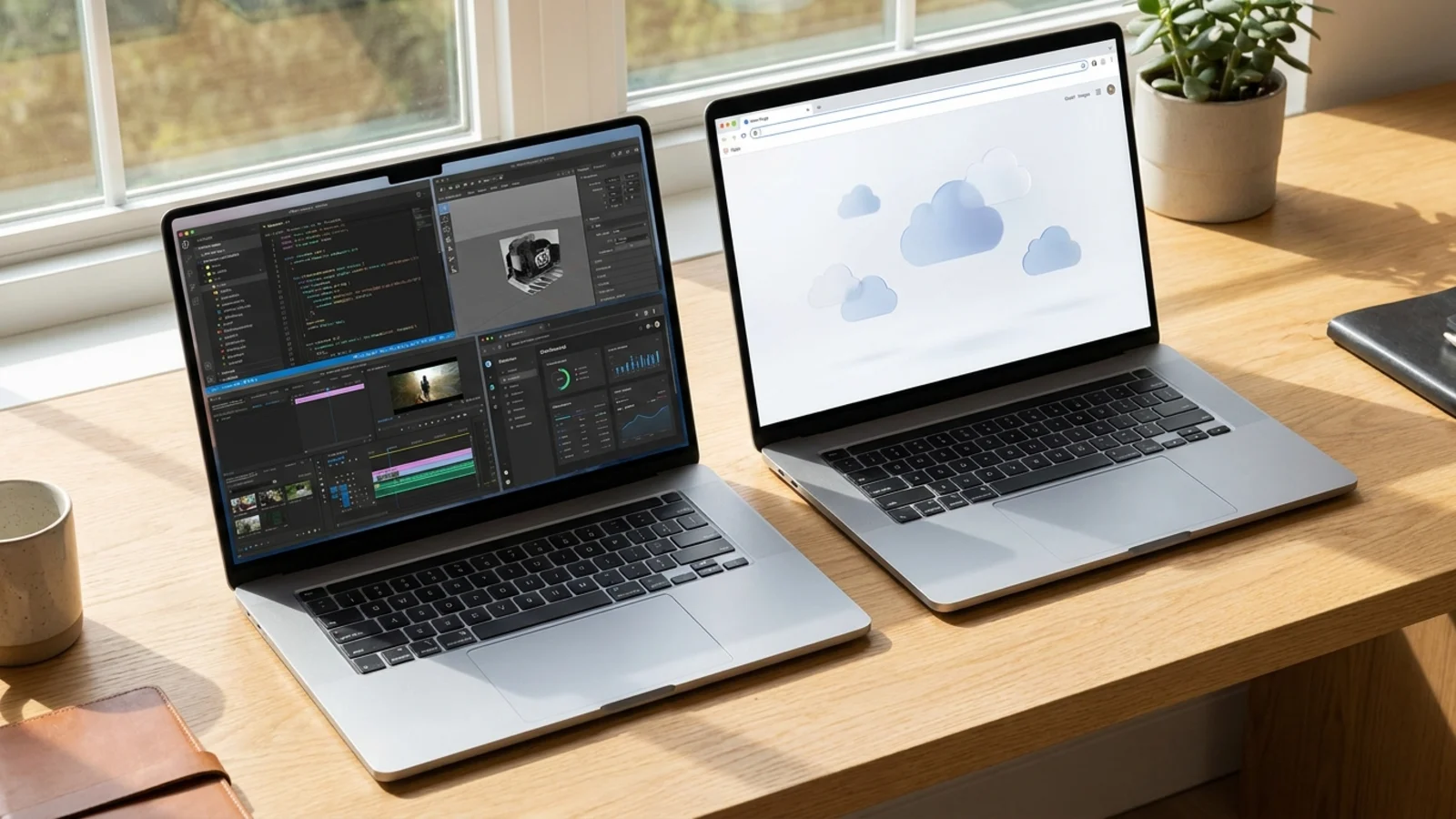
MacBook Neo Review: Is Apple's $599 Laptop Worth It?
Is the $599 MacBook Neo worth it? We summarize lab tests and expert reviews: specs, battery life, 8GB RAM limits, pros, cons and who should buy it.
Disclosure: some links in this article are affiliate links, so we may earn a commission on qualifying purchases at no extra cost to you. Learn more.

Quick answer: the MacBook Neo is a very good laptop for the price if your needs are simple. For $599 you get an aluminum body, a bright 13-inch screen, strong battery life and an iPhone-class A18 Pro chip. The trade-offs are 8GB of memory that cannot be upgraded, no backlit keyboard, only two USB-C ports and no Touch ID on the base model. Buy it for school, browsing, writing, streaming and office work. Skip it for heavy video editing, 3D work, serious programming or gaming.
We have not tested the MacBook Neo ourselves. This review summarizes published lab tests and expert reviews, including Tom's Guide and T3, and checks them against Apple's specs.
MacBook Neo specs at a glance
Spec | MacBook Neo |
|---|---|
Chip | Apple A18 Pro (6-core CPU) |
Memory | 8GB, fixed |
Storage | 256GB or 512GB SSD |
Display | 13-inch Liquid Retina, 2408 x 1506 |
Battery | Apple claims up to 16 hours; Tom's Guide measured 13 hours 28 minutes |
Ports | Two USB-C (one USB 3, one USB 2), headphone jack |
Weight | 2.7 lb |
Colors | Indigo, Blush, Citrus, Silver |
Price | $599 (256GB), $699 (512GB with Touch ID) |
The A18 Pro first appeared in the iPhone 16 Pro, and this is the first time Apple has put an iPhone chip in a MacBook. The laptop is fanless, so it is silent.
What it is like to use
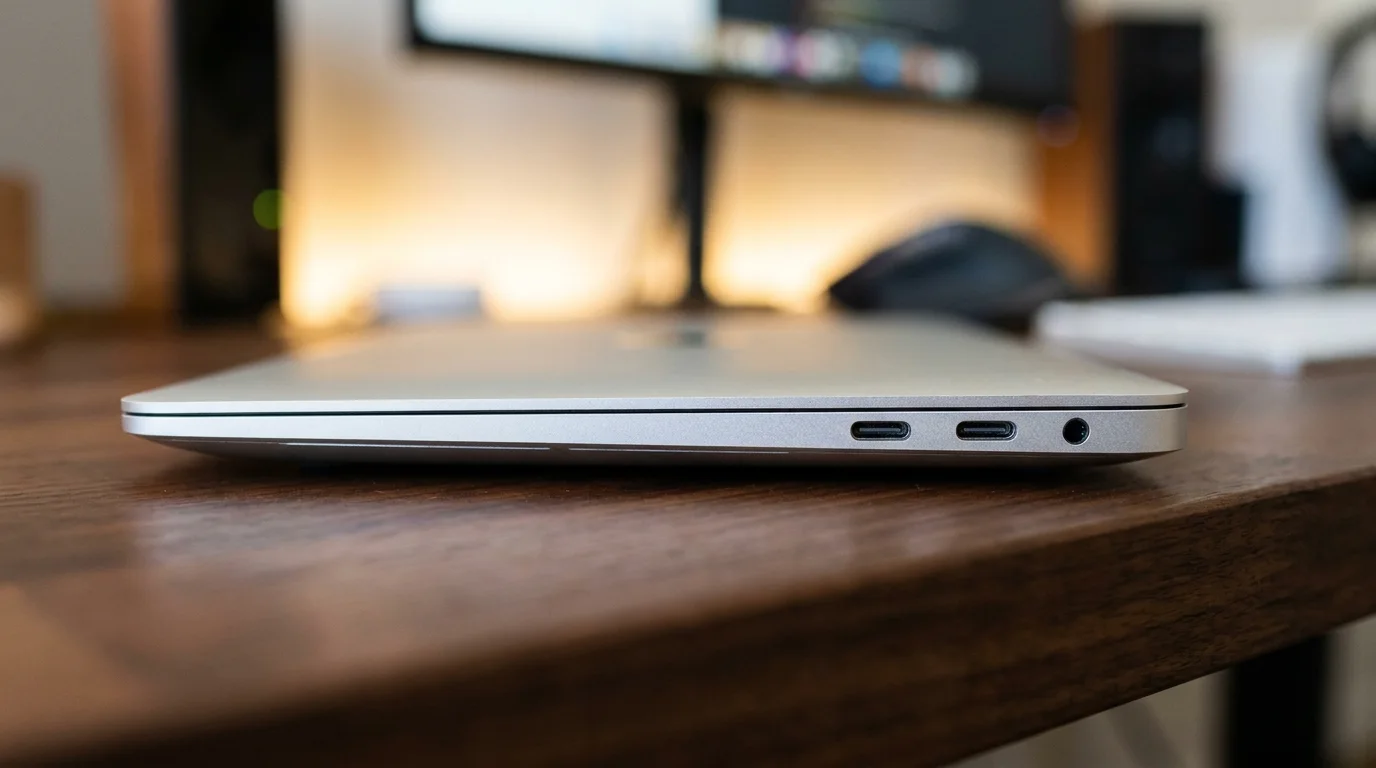
Build. The Neo has a full aluminum body, which is unusual under $700. T3 praised the premium feel, and Tom's Guide listed build quality among the Neo's wins over budget Windows laptops. It is about 1.27 cm thick, so it is easy to carry all day.
Display. The 13-inch screen is sharp and bright. In Tom's Guide's lab it reached about 452 nits, brighter than the Dell 14 Plus (308), Lenovo IdeaPad Slim 3x (296) and Asus Vivobook 14 AI (299). T3 notes it uses the narrower sRGB color range, so colors look slightly cooler than on the Air and Pro. That will not matter for school or office work, but photographers and designers might notice.
Keyboard and trackpad. You get a full-size keyboard, but it is not backlit. If you often type in dim rooms, that is a real downside. The trackpad uses a physical click.
Speakers and camera. The dual speakers are fine for calls and streaming, though reviewers say they sound less full than the Air's. The 1080p camera is good enough for classes and meetings.
Ports. There are two USB-C ports, one USB 3 and one USB 2, with no Thunderbolt and no HDMI. Either port charges the laptop. If you use a dock or several accessories, a small hub solves most problems.
Performance: is the A18 Pro fast enough?
Tom's Guide ran the Neo against budget Windows laptops with a mixed result.
Geekbench 6 | Single-core | Multi-core |
|---|---|---|
MacBook Neo | 3,535 | 8,920 |
Dell 14 Plus | 2,721 | 10,890 |
Lenovo IdeaPad Slim 3x | 2,124 | 10,505 |
Asus Vivobook 14 AI | 2,617 | 8,968 |
The Neo is fastest in single-core performance, which is what most everyday tasks depend on, so apps open and pages scroll quickly. In multi-core work such as exporting video, the Dell and Lenovo are faster. The SSD is also slower than some rivals, at about 1,440 MB/s write and 1,585 MB/s read. You will rarely notice it day to day, but large file transfers take longer.
T3's reviewer ran Lightroom, Photoshop, Chrome, Apple TV and Apple Music together without slowdown. A batch export of 12 Lightroom files took about 4.5 seconds, against just over 2 seconds on a MacBook Pro with the M5 chip.

The 8GB question
This is the biggest question for buyers. The Neo has 8GB of memory and you cannot add more later. Apple's memory management is efficient and reviewers found normal multitasking fine, but 8GB is a hard ceiling.
It is enough for browsing with a normal number of tabs, Google Docs, Microsoft Office, Zoom, streaming and light photo editing. It is not enough for long 4K video sessions, 3D rendering, large datasets, virtual machines or modern gaming. If that sounds like your work, look at our video editing laptop picks or the best laptops for programmers instead.
Battery life
Apple claims up to 16 hours. Tom's Guide measured 13 hours and 28 minutes of web browsing at 150 nits, about level with the Asus Vivobook 14 AI (13:26) and Dell 14 Plus (13:24) and behind the Lenovo IdeaPad Slim 3x (16:29). T3's reviewer still had about 25 percent left after three days of intermittent use. Expect a full day of school or work.
Why is the MacBook Neo so cheap?
Apple has not published a cost breakdown, so this is our reading of the spec sheet:
The chip. The A18 Pro is a phone chip Apple already builds in huge numbers.
Memory. 8GB only, with no upgrade option.
Smaller extras. No backlit keyboard, no Touch ID on the base model, one USB 2 port, no Thunderbolt and a simpler camera and speakers.
A narrower display range. sRGB instead of the wider color range on pricier Macs.
Strategy. Apple is aiming at students, first-time Mac buyers and people who would otherwise buy a Windows laptop at this price.
MacBook Neo pros and cons
Pros
Aluminum build that feels far more expensive than $599
Bright, sharp and accurate screen
Fastest single-core speed of the budget laptops Tom's Guide tested
Battery life of 13 hours or more
Silent, fanless design
macOS and Apple's long software support
Cons
8GB of memory that cannot be upgraded
No backlit keyboard
No Touch ID on the 256GB model
Only two USB-C ports, one of them USB 2
Slower SSD and weaker multi-core speed than some rivals
Who should buy the MacBook Neo?
Buy it if you are a student who mostly writes, researches and streams, a first-time Mac user, a parent buying a reliable laptop for a teenager, or someone who wants a light, quiet second laptop. Our student laptop picks show how it compares with the other options.
Skip it if you are a video editor, 3D artist or developer running heavy tools, a gamer, someone who needs Touch ID but does not want to pay for the 512GB model, or an existing Mac user who wants more speed. In that last case, step up to the MacBook Air.
MacBook Neo vs Windows laptops at the same price
At around $600 you can often find a Windows laptop with more memory, more ports and faster multi-core performance. Tom's Guide compared the Neo with the Dell 14 Plus, Lenovo IdeaPad Slim 3x and Asus Vivobook 14 AI, and the first two beat it in multi-core tests. RAM and storage vary by model and retailer, so check the exact configuration. If you want better build quality, a brighter screen, silent operation and macOS, the Neo is hard to beat. Put your shortlist in the laptop comparison tool to see the differences side by side.
Frequently asked questions
Is the MacBook Neo worth it?
Yes, for light to moderate use. At $599 it offers a premium build, a bright display and 13-plus hours of battery. For heavy creative or technical work, the 8GB of memory will limit you, and a MacBook Air or a Windows laptop with 16GB of RAM is a better choice.
Is the MacBook Neo good for students?
It is one of the best options for students in 2026, especially with Apple's education pricing, which was $499 at launch. Confirm the current price on Apple's education store before you buy.
Can you upgrade the MacBook Neo's RAM or storage?
No. Memory is fixed at 8GB and cannot be upgraded after purchase. You choose the storage, 256GB or 512GB, when you buy. External drives and cloud storage can fill the gap.
Does the MacBook Neo have a backlit keyboard or Touch ID?
The keyboard is not backlit. Touch ID is only on the $699 512GB model, not the $599 256GB model.
See our picks: the best laptops under $600
Recommended guides
- Laptops for YouTubersYouTubers, photographers and video creators who edit at home and on the go.
- Student laptops for every budgetHigh school and college students who need a laptop for notes, essays, research and streaming.
- Thin and light laptopsCommuters, travelers and students who carry a laptop every day and want all-day battery.
Or browse all our laptop buying guides.