Black Friday Laptop Deals 2026: What to Buy and Skip
Black Friday is Nov 27, 2026. See which laptops are worth waiting for, what a real deal looks like and how to avoid fake discounts before you buy.
Disclosure: some links in this article are affiliate links, so we may earn a commission on qualifying purchases at no extra cost to you. Learn more.
Quick answer: Black Friday 2026 falls on Friday, November 27, with Cyber Monday on November 30. It is a good time to buy a mid-range Windows laptop, a Chromebook or a last-generation model, but only if you pick your target laptop first and judge the price second. Apple laptops get smaller cuts, and gaming laptops carry the biggest headline discounts and the most traps.
If you need a laptop now, buy now. If you can wait until late November, follow the steps below.
When is Black Friday 2026?
Black Friday is the day after US Thanksgiving. In 2026 Thanksgiving is Thursday, November 26, so the key dates are:
Event | Date |
|---|---|
Thanksgiving | Thursday, November 26, 2026 |
Black Friday | Friday, November 27, 2026 |
Small Business Saturday | Saturday, November 28, 2026 |
Cyber Monday | Monday, November 30, 2026 |
In practice the sale does not start on Friday. In recent years big retailers have opened "early Black Friday" pages in the first half of November and run their strongest prices from the start of Thanksgiving week through Cyber Monday. Treat early November to the first week of December as one long sale.
Official laptop ads were not out when we wrote this. We will refresh the post when they appear.
How laptop Black Friday deals really work
Most deals are planned months ahead. Brands agree promotional prices with retailers well before November, which is why the same laptop often has the same sale price at several stores.
Doorbusters are limited. The very low prices usually come with small stock and sell out in minutes. Stores use them to bring you in so you buy something else.
Old models get the deepest cuts. When a new generation launches, the previous one is cleared. A one-generation-old laptop is usually close to as good as the new one for much less.
Some discounts are cosmetic. A "was $999, now $699" sticker may compare against a launch price the laptop has not sold at for months.
What is worth waiting for
Laptop type | Black Friday value | What to look for |
|---|---|---|
Mid-range Windows (14 to 16 inch) | Very good | 16GB RAM, 512GB SSD, a recent chip, clearly under its usual price |
Chromebook and Chromebook Plus | Very good | Chromebook Plus specs at a budget price |
Last-generation MacBook Air | Good | Gift cards or small cuts, mostly at Amazon and Best Buy |
Gaming laptops | Good but risky | Current-generation graphics, 16GB RAM, solid cooling |
Thin-and-light premium | Fair | Last year's model, not the newest |
Newest MacBooks | Limited | Do not expect deep cuts on launch-year models |
Mid-range Windows laptops
This is the sweet spot. A good mid-range laptop with a modern processor, 16GB of RAM and a 512GB SSD should sit around $600 to $900 on a normal day, and a real deal takes roughly 15 to 25 percent off that. Our laptops under $1,000 picks show the kind of models worth targeting.
Chromebooks
Chromebooks are cheap already, so the dollar savings look small, but percentage cuts can be large. Look for Chromebook Plus, Google's badge for a Core i3 or Ryzen 3 chip or better, 8GB of RAM, 128GB of storage and a Full HD screen. Our Chromebook Plus picks list tested models.
Apple laptops
Apple rarely cuts prices on its own site. Historically it has offered gift cards over Black Friday weekend, while Amazon and Best Buy apply real discounts to MacBook Air models. The MacBook Neo starts at $599 and the MacBook Air M5 at $1,099, and new models like these are less likely to see big cuts. Students should also check Apple's education pricing, which can already beat a Black Friday price.
Gaming laptops
Gaming laptops show the biggest percentage discounts and the biggest traps. Check the graphics card model, the RAM and the cooling before you look at the price. A cheap gaming laptop with weak cooling throttles and gets loud. If a price looks too good, find the exact model number and read recent reviews.
Your Black Friday checklist
Do this before November and you will not need to decide under pressure.
Set a budget and must-haves. For most people that means a maximum price, 16GB of RAM and a 512GB SSD. If specs confuse you, our laptop finder by specs lets you filter by what matters.
Pick two or three target models. Put them side by side in the laptop comparison tool.
Note each model's normal price. Check Amazon, the brand's own store and one other retailer a few weeks before the sale.
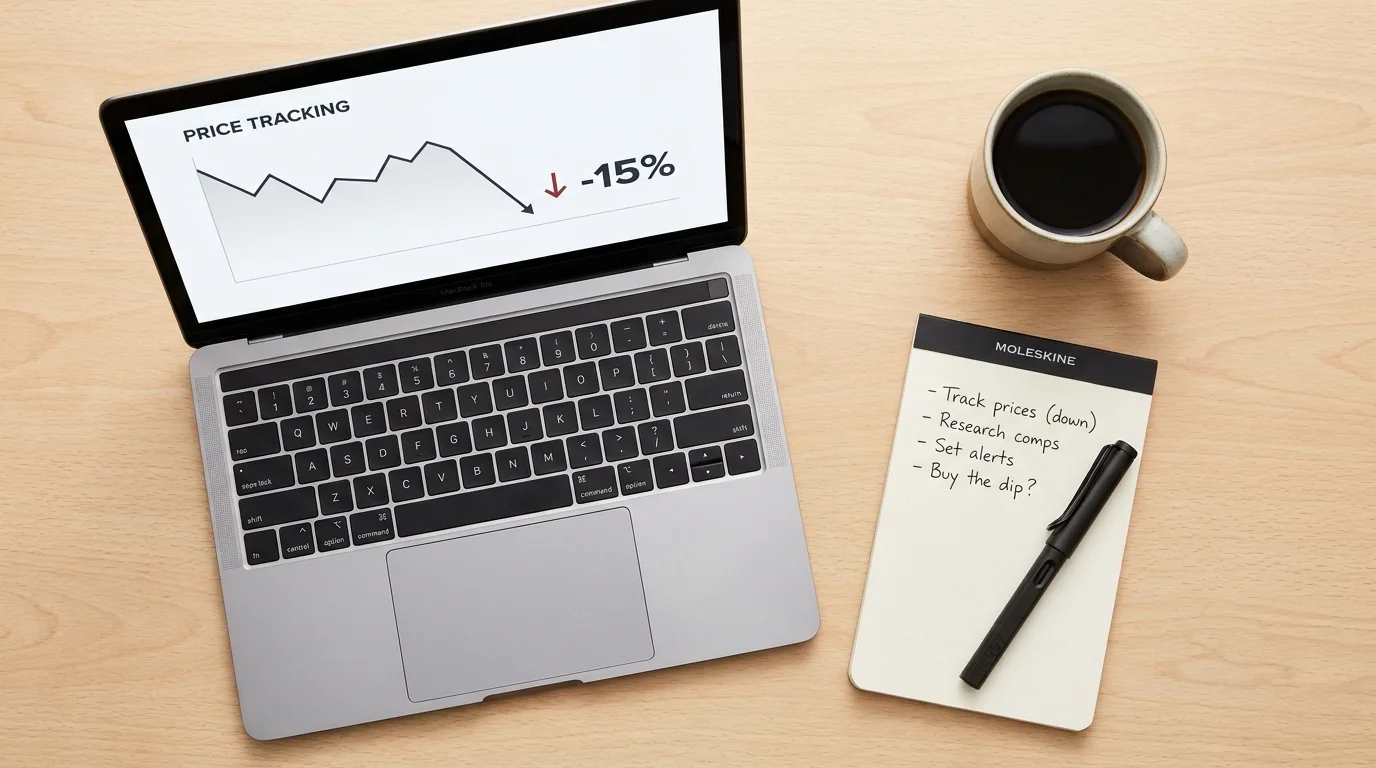
Track the price history. Free tools such as Keepa or CamelCamelCamel show an Amazon listing's price history. If the "sale" price matches last August's price, it is not a Black Friday deal.
Check the return policy. Know how many days you have, and whether holiday purchases get an extended window.
Check the exact model number. Retailers sometimes sell "Black Friday editions" with less RAM or a slower processor under a name that looks like the regular model.
Decide before you click. Buy a model on your list only when it reaches your target price. If it does not, move on.
How to spot a fake laptop deal
A huge "was" price. If it is far above what the laptop sold for in recent months, the discount is cosmetic.
Stripped-down specs. An unusually cheap version of a popular laptop may have 8GB of RAM, a smaller SSD or an older chip. Compare the full spec sheet.
An old processor. A chip two or three generations old can still be fine, but only if the price reflects it.
A countdown timer. Some are real and many are not. Trust your target price, not the clock.
A dim, low-resolution screen. Budget Windows laptops often cut corners here. Think twice below 1920 x 1080.
Mistakes to avoid
Buying the discount instead of the laptop. Saving $300 on the wrong laptop is still wasted money.
Ignoring RAM and storage. 8GB may be fine today on a Chromebook or a Mac, but it feels tight on a Windows laptop within two years.
Skipping battery reviews. Cheap deals often have smaller batteries. Use independent tests, not the maker's claim.
Waiting too long. If your laptop is failing before an exam or a work deadline, do not gamble on a sale.
Forgetting extras. A bag, a charger and a mouse add up. Some stores bundle them during the sale.
How to make the final call
Ask three questions. Does this laptop meet my needs without the discount? Is the price at or below my target? Can I return it if it disappoints? If all three answers are yes, buy it. If the first answer is no, the deal is a trap, however big the discount.
If you are shopping for school, start with our student laptop picks and check the sale price against them.
Frequently asked questions
Is Black Friday or Cyber Monday better for laptops?
They are close. Black Friday tends to have the best doorbusters on budget and mid-range laptops, while Cyber Monday often favors online-only deals and brand-store sales. Many retailers run the same price on both days.
Should I buy a laptop before Black Friday?
If you need one now, yes. Two months of using a laptop is worth more than a small saving. If you can wait, start tracking prices now so you recognize a good deal.
Are MacBooks cheaper on Black Friday?
Sometimes. Amazon and Best Buy have cut MacBook Air prices on past Black Friday weekends, and Apple has offered gift cards. Brand-new models such as the MacBook Neo are less likely to see deep cuts.
What specs should a Black Friday laptop have?
For most people in 2026, aim for at least 16GB of RAM, a 512GB SSD, a Full HD screen and a recent processor. A Chromebook Plus can work with 8GB of RAM because ChromeOS is lighter than Windows.
See our picks: our best laptops under $1,000 guide
Recommended guides
- Laptops for schoolHigh school and college students who need a laptop for notes, essays, research and streaming.
- Laptops under 1000 dollarsBuyers who want a well built, fast laptop without paying flagship prices.
- Laptops for a tight budgetAnyone who needs a reliable laptop for school, work or home on a tight budget.
Or browse all our laptop buying guides.