MacBook vs Windows Laptop: How to Pick the Right One
MacBook vs Windows laptop: compare apps, gaming, price range, hardware choice, ease of use and repairs to decide which platform suits the way you work.
Disclosure: some links in this article are affiliate links, so we may earn a commission on qualifying purchases at no extra cost to you. Learn more.
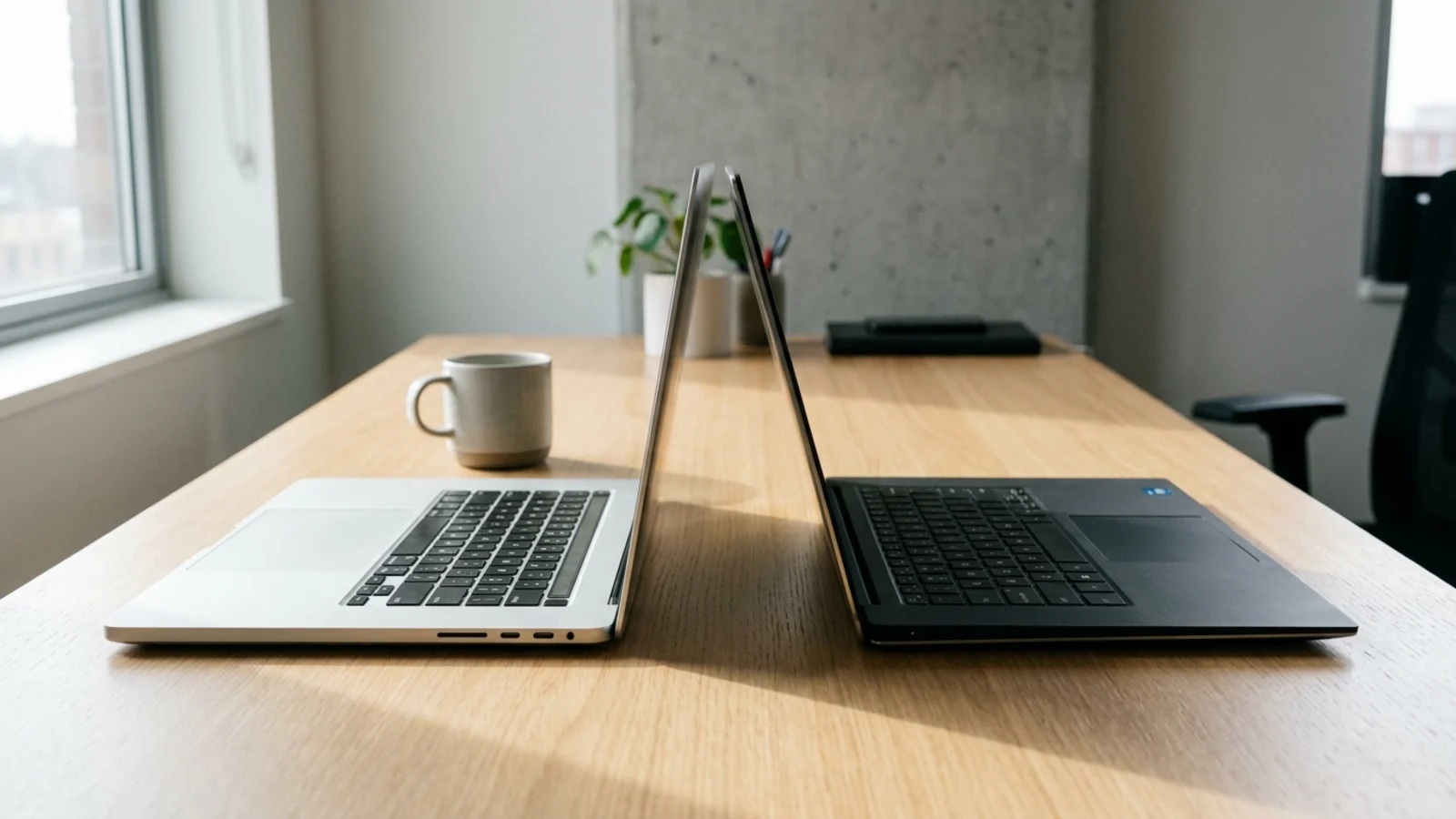
Quick answer: choose a MacBook if you use an iPhone, work in creative apps, and want a consistent laptop that needs little maintenance. Choose a Windows laptop if you play PC games, need Windows-only software, want the widest range of prices and designs, or prefer hardware you can upgrade.
Specs and prices change, so check the latest model before you buy.
Neither platform is better for everyone. Both run the major browsers, office suites, streaming apps and video call tools. The right choice comes down to the specific apps you rely on, the devices you already own, your budget and how much variety you want in hardware. This guide walks through each factor so you can make the call with confidence.
MacBook vs Windows laptop at a glance
Factor | MacBook | Windows laptop |
|---|---|---|
Hardware choice | A small range from one maker | Hundreds of models from many makers |
Price range | Starts higher, fewer budget options | From very cheap to very expensive |
Software | Strong creative apps, most mainstream apps | The widest software support, including most business tools |
Gaming | Limited game library | The main platform for PC gaming |
Ecosystem | Works closely with iPhone, iPad and AirPods | Works with Android phones and a wide range of accessories |
Upgrades | Memory and storage fixed at purchase | Some models allow memory and storage upgrades |
Consistency | Similar quality across the lineup | Quality varies a lot between models |
Software: start with the apps you cannot live without
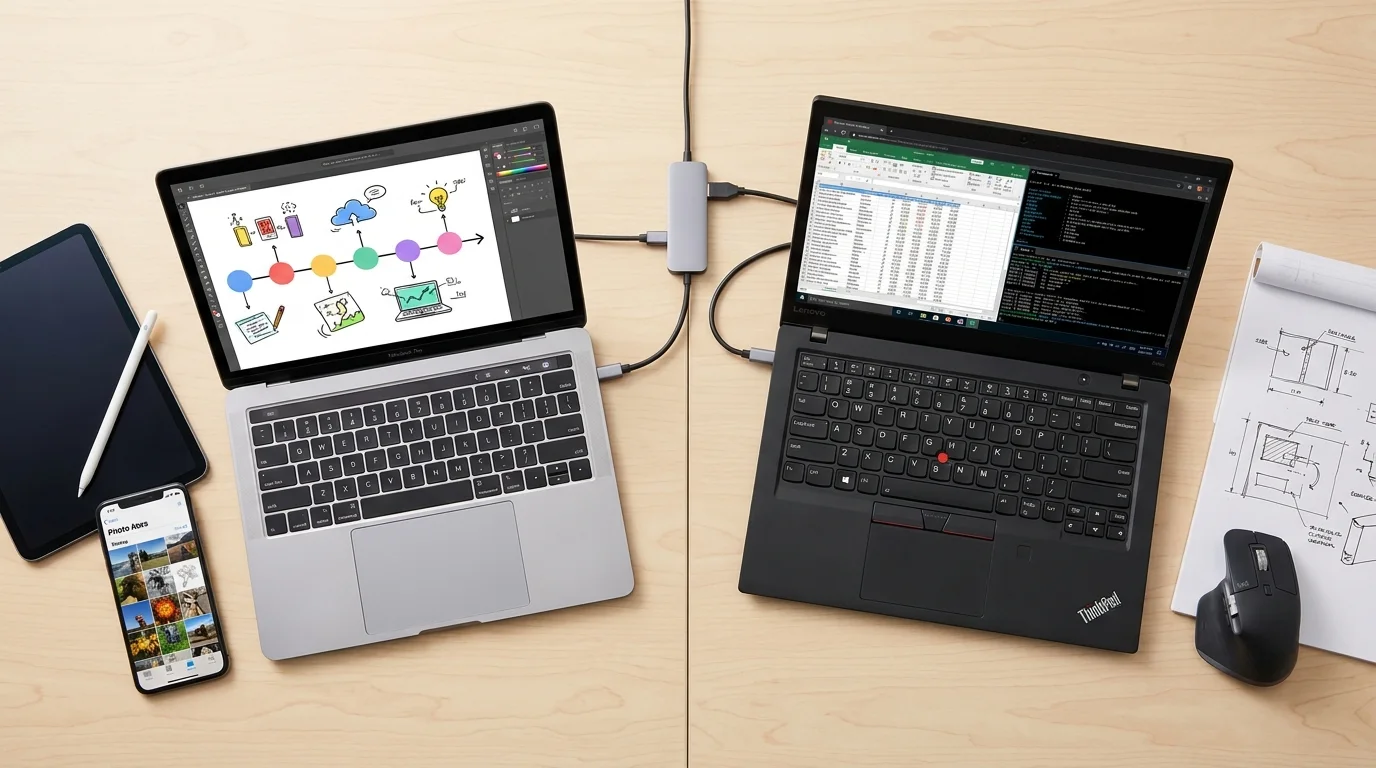
This is the most important factor, so check it first.
Both platforms run Chrome, Firefox, Microsoft 365, Google Workspace, Zoom, Slack, Spotify and most popular apps. Creative suites such as Adobe's are available on both.
Differences show up in specialist software:
Windows-only tools are common in engineering, accounting, some corporate environments and specific industries. If your employer or course requires one, that decides it.
Mac-only tools include Apple's own creative apps, such as Final Cut Pro and Logic Pro, which many video and music creators prefer.
Developers can work on either. macOS suits iOS and Mac app development, which requires a Mac. Windows suits .NET and Windows-specific development, and both handle web development well.
Make a list of every app you use for work or study and check each one's system requirements before you buy.
Gaming
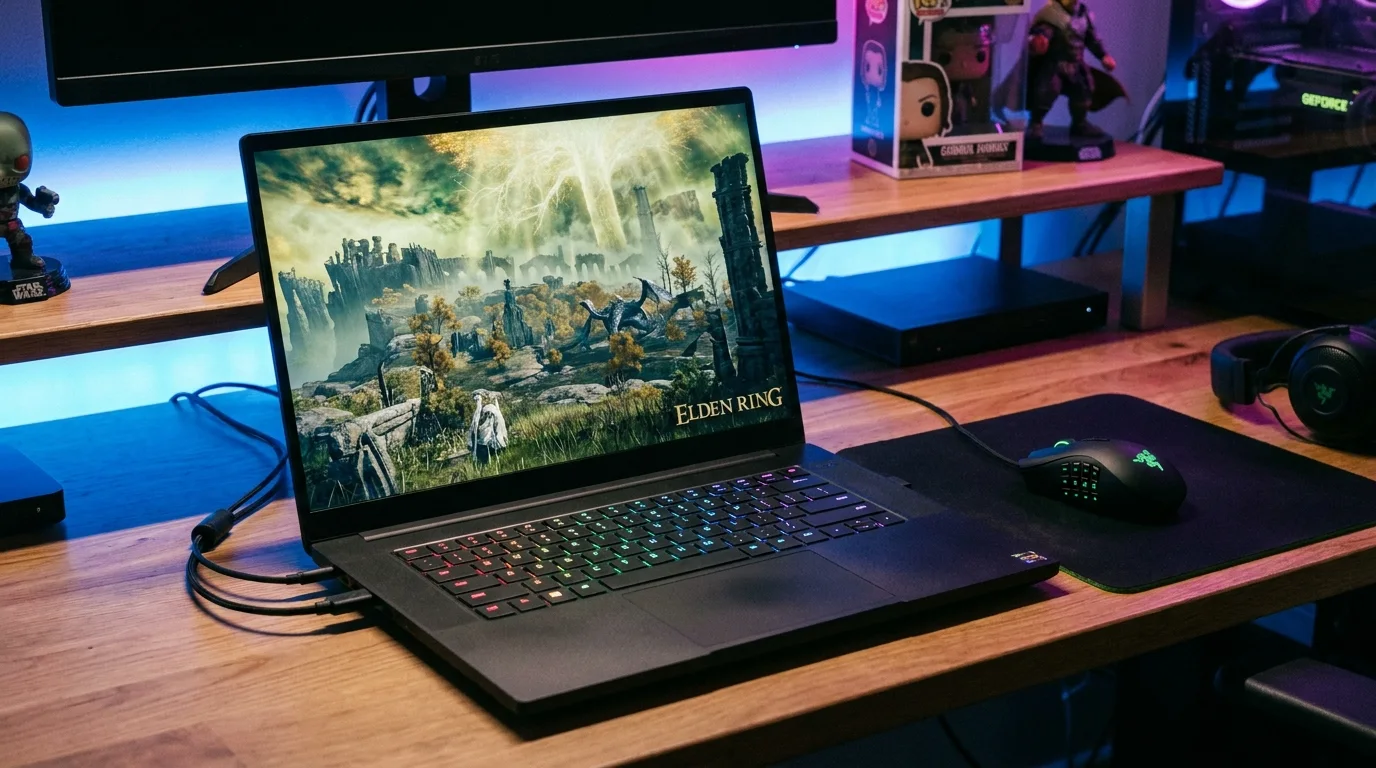
If gaming matters to you, Windows is the clear choice. Most PC games are built for Windows first, and many popular multiplayer games use anti-cheat systems that only support Windows. Windows gaming laptops also offer dedicated graphics chips that MacBooks do not.
Macs can run a growing number of games, but the library is smaller. Check that the specific games you play support macOS before choosing a Mac for gaming. Our gaming laptop guide covers what to look for in a Windows gaming machine.
Price and hardware choice
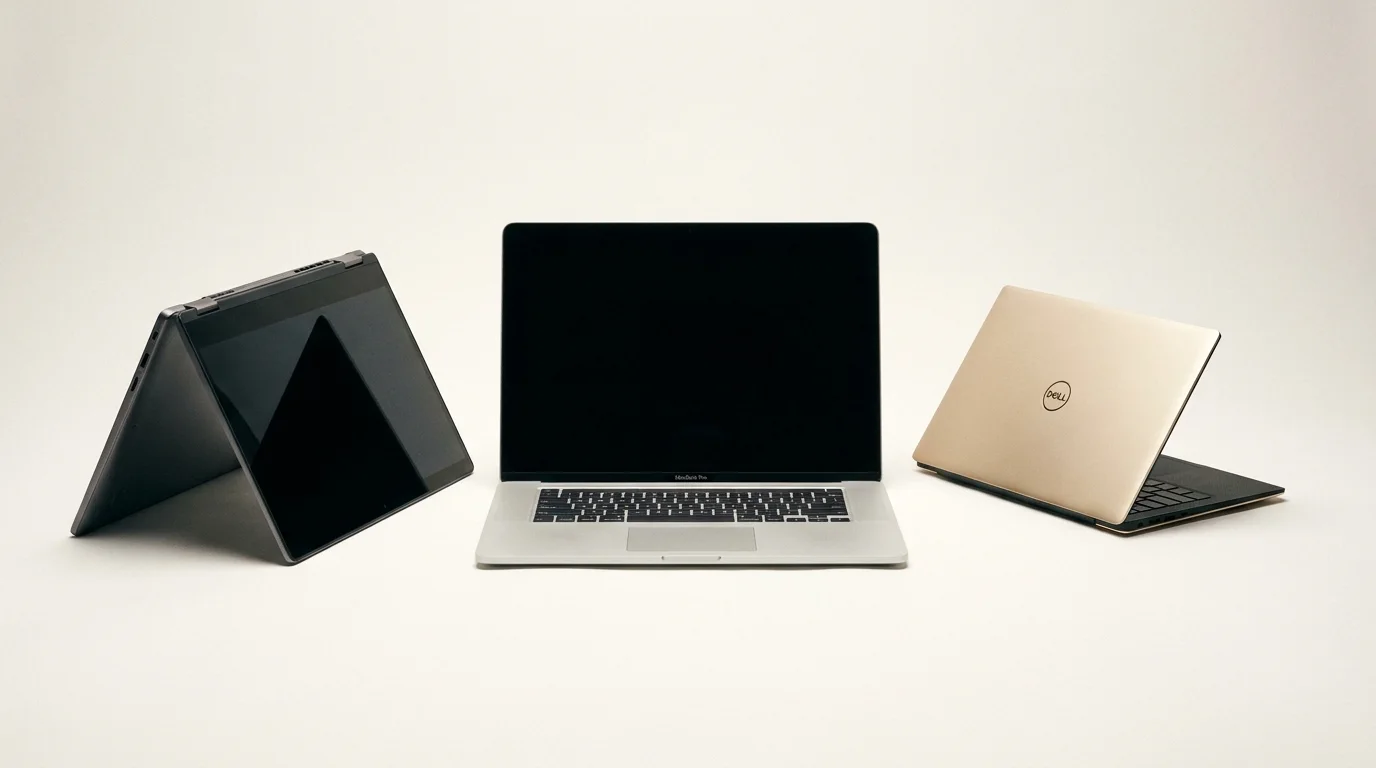
Windows laptops cover every price point, from basic models for school to high-end workstations. That variety means you can find a Windows laptop for almost any budget and need, from tiny ultraportables to large gaming machines and convertibles with pens.
MacBooks come from one maker, so the range is narrower and starts at a higher price than the cheapest Windows laptops. Lower-cost Macs do exist: our picks include the Apple MacBook Neo, listed with an "Apple A18 Pro" chip and "8GB" of memory. If you are shopping on a mid-range budget, our laptops under $1,000 include both Mac and Windows options side by side.
The flip side of variety is inconsistency. Two Windows laptops at the same price can differ a lot in screen, keyboard, speakers and battery life, so read independent reviews for the exact model.
Ease of use and maintenance
macOS is known for a consistent, simple experience. Apple controls both the hardware and the software, so updates and features behave the same across the lineup, and there is little preinstalled extra software.
Windows is flexible and familiar to most office workers. It offers more ways to customize and more hardware choices, but some laptops ship with extra preinstalled apps, and drivers and updates come from both Microsoft and the laptop maker.
If you already know one system well, staying with it saves time. Switching is very doable, but expect a few weeks of adjusting to new shortcuts and settings.
Ecosystem: what else do you own?
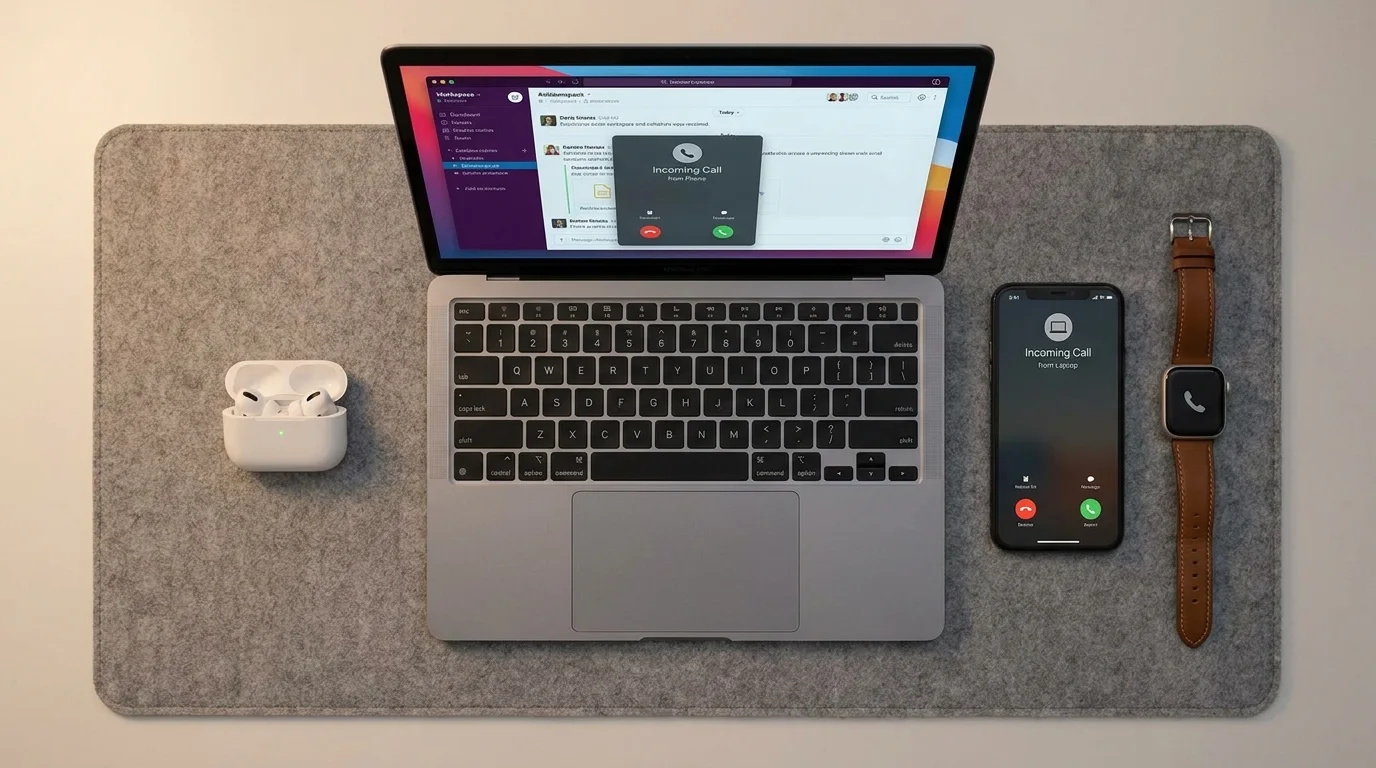
If you use an iPhone, a Mac adds real conveniences: messages and calls on the laptop, easy file sharing with AirDrop, shared passwords and a clipboard that works across devices.
Windows works well with Android phones through Microsoft's Phone Link app, and it supports a wider range of third-party accessories, docks and peripherals.
Work and business use
Both platforms work well for office work. Windows remains the default in many companies because of device management tools, legacy business software and wide hardware choice. Macs are common in creative agencies, startups and tech companies.
If you work for an employer, ask IT which platform they support before you buy. Our business laptop picks cover the features that matter for work, such as security, keyboards and webcams.
Creative work
Both platforms run the major creative apps. Macs are popular with video editors, photographers and musicians for their displays and Apple's own creative software. Windows laptops give you more choice of screens, including OLED and touch displays with pen support, and the option of powerful dedicated graphics for 3D work.
If you design for a living, our laptops for designers compare options from both platforms.
Upgrades, repairs and longevity
On MacBooks, memory and storage are fixed at purchase, so choose enough of both at checkout. Some Windows laptops, especially larger business and gaming models, still let you upgrade memory or storage later.
Both platforms receive long-term software and security updates. Check how long the maker supports the model and what the warranty covers, and look at how repairs are handled in your country before you buy.
How to decide
List the apps you must run. If any of them is limited to one platform, choose that platform.
If you play PC games, choose Windows.
If you use an iPhone and want everything to work together, lean toward a Mac.
If budget is tight or you want a specific design, such as a 2-in-1, Windows gives you more options.
If you are still split between two specific laptops, line them up in our free laptop comparison tool and compare them spec by spec.
Frequently asked questions
Is a MacBook better than a Windows laptop?
Not for everyone. A MacBook is a strong choice for creative work, iPhone users and people who want a consistent experience. A Windows laptop is better for gaming, Windows-only software and anyone who wants more choice of price and design.
Can a MacBook run Windows programs?
Some Windows programs have Mac versions or web versions. Others can run through virtualization software, but compatibility and performance vary, so check the specific program before relying on this.
Is it hard to switch from Windows to Mac?
Most people adjust within a few weeks. The main changes are keyboard shortcuts, the file manager and where settings live. Your files and most cloud-based apps move over without trouble.
Which lasts longer, a MacBook or a Windows laptop?
Both can last many years with good care. Longevity depends more on build quality, enough memory and storage, the update policy and the warranty than on the platform itself.
See our picks: the best laptops for college students
Recommended guides
- Best laptops for content creationYouTubers, photographers and video creators who edit at home and on the go.
- Laptops for schoolHigh school and college students who need a laptop for notes, essays, research and streaming.
- Best lightweight laptopsCommuters, travelers and students who carry a laptop every day and want all-day battery.
Or browse all our laptop buying guides.