MacBook Air vs MacBook Pro: Which One Should You Buy?
MacBook Air vs MacBook Pro: how cooling, display, ports, speakers and memory differ, who benefits from the Pro and when the Air is the smarter buy.
Disclosure: some links in this article are affiliate links, so we may earn a commission on qualifying purchases at no extra cost to you. Learn more.
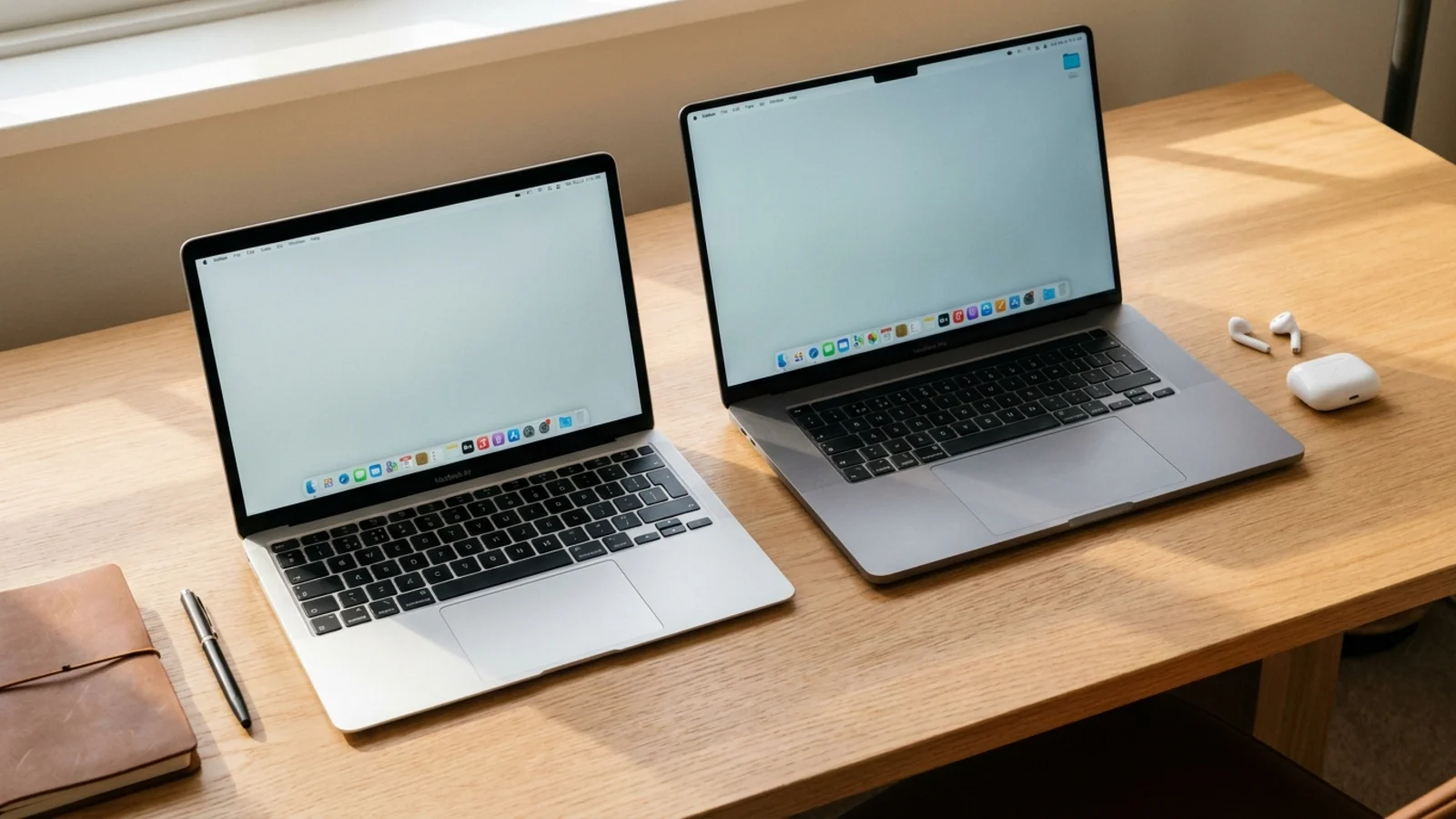
Quick answer: buy the MacBook Air if you mainly browse, write, study, do office work or edit photos casually, and you value low weight and silence. Buy the MacBook Pro if you edit video, compile code, run long exports or other sustained heavy work, or want the best screen, more ports and more memory options.
Specs and prices change, so check the latest model before you buy.
Both laptops run the same macOS, get the same software updates and use chips from the same family. The difference is less about raw speed on short tasks and more about how long the laptop can keep that speed up, what you can plug into it and how good the screen and speakers are. Here is how to decide.
MacBook Air vs MacBook Pro at a glance
MacBook Air | MacBook Pro | |
|---|---|---|
Built for | Everyday work, study and travel | Sustained heavy work such as video, code and audio |
Cooling | Fanless, silent | Active cooling with fans for long heavy loads |
Display | Liquid Retina | Liquid Retina XDR with a higher refresh rate |
Ports | A smaller set of USB-C ports | More ports, typically including HDMI and an SD card slot |
Speakers | Good for a thin laptop | Larger speaker system |
Memory options | Mainstream range | Higher maximums on Pro chips |
Weight | Lighter | Heavier, especially the 16-inch |
Always confirm the exact ports, chip and memory of the configuration you are looking at on the retailer or Apple spec page.
Performance: same chip family, different stamina

The biggest surprise for many buyers is how close the two can be on paper. In our current picks, the Apple MacBook Air M5 and the Apple MacBook Pro 14-inch (M5) both list an "Apple M5 (10-core)" chip and the same "16GB to 32GB" memory range.
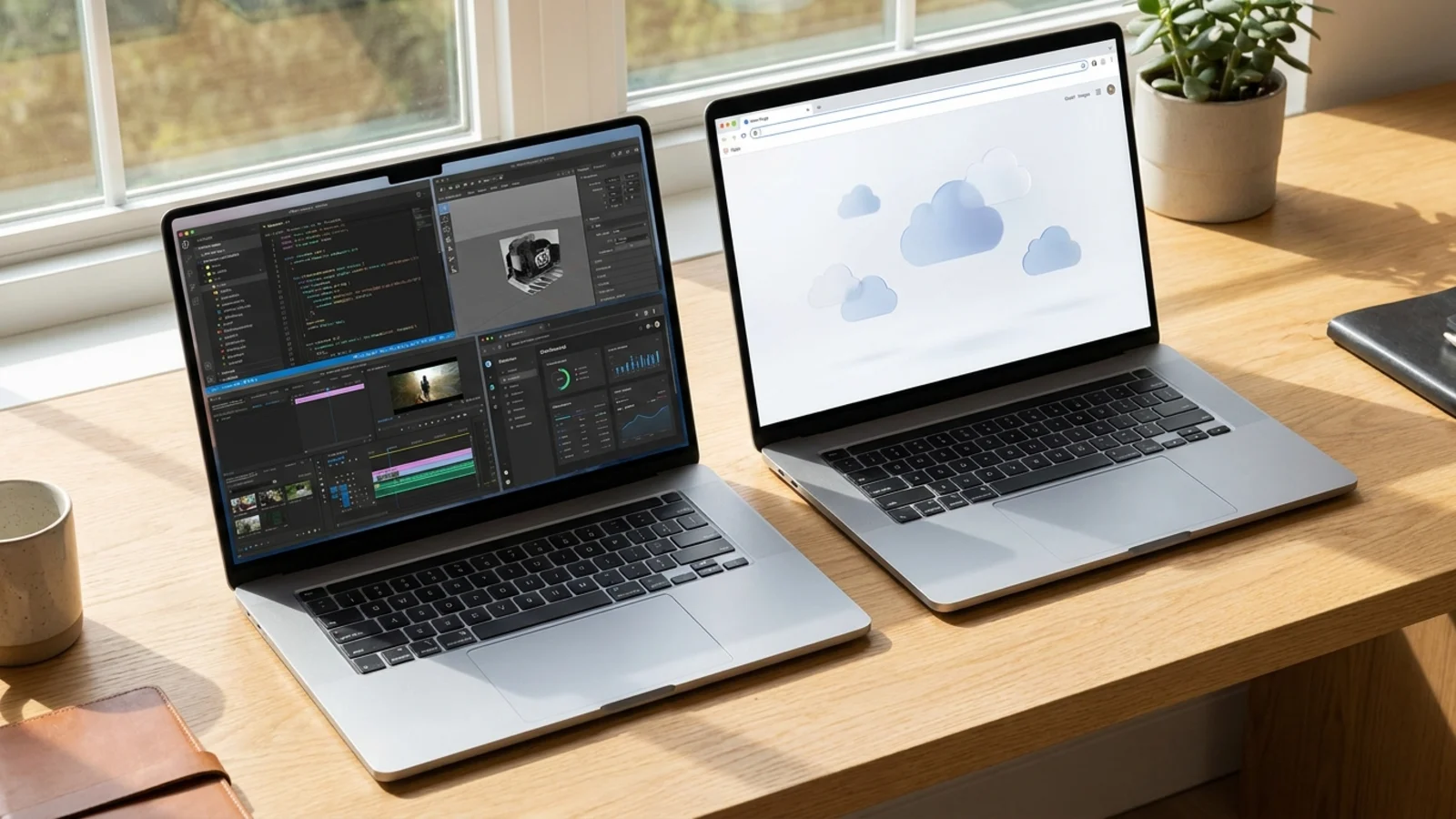
So why pay more for the Pro? Because of cooling. The MacBook Air is fanless, which makes it completely silent, but it means the chip has to slow itself down under long heavy loads to stay cool. Short bursts such as opening apps, editing a photo or exporting a short clip feel just as fast on the Air. A long 4K export, a big code build or a lengthy batch of photo edits is where the Pro, with its fans, keeps running at full speed for longer.
The Pro line also offers stronger chips. The Apple MacBook Pro 16-inch (M5 Pro, 2026) in our picks lists an "Apple M5 Pro (18-core)" chip and "24GB to 64GB" of memory. That headroom is aimed at professional video, 3D and audio work.
If your work is mostly short tasks, the Air's performance will feel the same day to day. If you run sustained heavy jobs, the Pro is the better tool.
Display: good versus excellent
The Air's Liquid Retina screen is sharp and bright enough for most people. The Pro steps up to a Liquid Retina XDR display. In our picks, the 14-inch Pro lists "14.2-inch Liquid Retina XDR, 3024 x 1964, 120Hz" and the 16-inch lists "16.2-inch Liquid Retina XDR, 3456 x 2234, 120Hz".
In practice, the XDR display gives you higher brightness for HDR video, deeper contrast and a smoother 120Hz refresh rate for scrolling and motion. If you grade video, edit HDR photos or simply stare at the screen all day, it is a real upgrade. For documents and browsing, the Air's screen is more than good enough.
Screen size matters too. The Air comes in two sizes, listed in our picks as "13.6-inch or 15.3-inch Liquid Retina". The Pro comes in 14-inch and 16-inch sizes.
Ports and connectivity
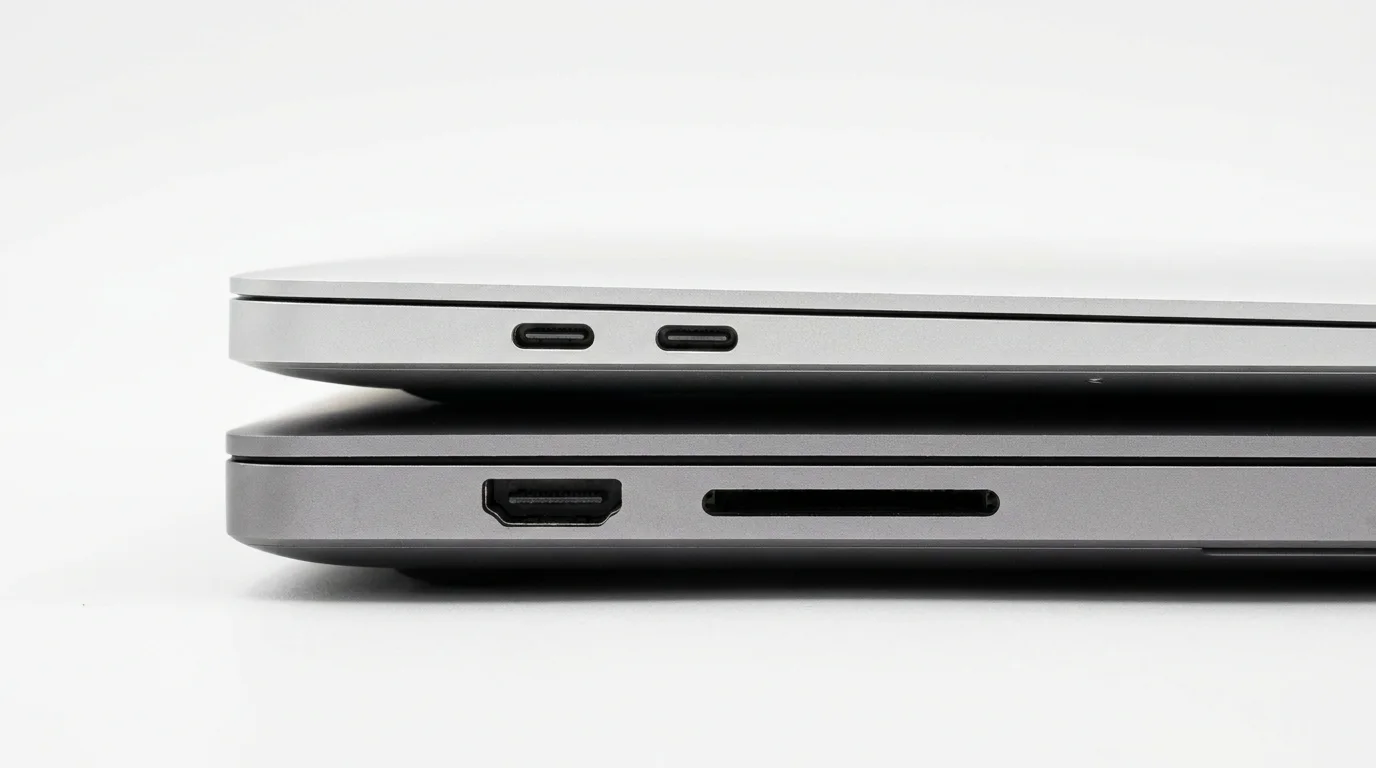
The Air keeps things minimal with a smaller set of USB-C ports. The Pro has typically added more, including HDMI and an SD card slot. If you plug into projectors, external displays or camera cards often, the Pro saves you from carrying adapters.
Count the ports you use every week, then check the current spec page for each model.
Speakers, weight and battery
The Pro has a larger speaker system, which helps if you edit audio or watch a lot of video without headphones. The Air's speakers are good for a thin laptop.
Weight is where the Air wins. Our picks list the Apple MacBook Air M5 at "2.7 lb (13-inch), 3.3 lb (15-inch)", the 14-inch Pro at "3.4 lb" and the 16-inch Pro at "4.7 lb". If you carry your laptop all day, our lightweight laptop picks show how much of a difference a lighter machine makes.
Both models have strong battery life for their class. Check independent battery tests for the exact model you are considering, since results depend on the chip, screen and workload.
Memory and storage: buy what you need up front
Memory on both laptops is part of the chip package and cannot be upgraded later, and the same goes for internal storage. Choose carefully at checkout.
For writing, study, browsing and office work, 16GB is comfortable on either model.
For photo editing, programming and light video work, consider 24GB or 32GB.
For professional video, 3D or large audio projects, look at Pro configurations with higher memory options.
Storage should cover your local files plus room to grow. Video editors in particular fill drives quickly.
Who should buy the MacBook Air?
Students who need a light, quiet laptop that lasts through a day of classes. Our student laptop guide covers this group in more detail.
Writers, office workers and travelers whose work is mostly documents, email, web apps and video calls.
Casual creators who edit photos or short videos occasionally.
Who should buy the MacBook Pro?
Video editors and anyone who exports long or high-resolution projects. See our best laptops for video editing for the wider picture.
Developers who compile large projects, run containers or keep many tools open at once. Our programming laptop picks explain the trade-offs.
Photographers, designers and audio producers who benefit from the XDR display, the extra ports and the bigger speakers.
Mistakes to avoid
Buying the Pro for the name. If your heaviest task is a busy browser and a few documents, the Pro's extra cooling and ports go unused, and you carry more weight every day.
Skimping on memory to afford the Pro. A base Pro with too little memory can feel slower in daily multitasking than a well-configured Air. Budget for memory first.
Forgetting the adapters. If you choose the Air and use HDMI or camera cards often, add the cost of a small hub to the comparison.
Buying more storage than you need. Large internal drives are an expensive upgrade. If you keep big archives, a fast external drive can hold them for less.
How to make the final call
Write down your heaviest regular task and the ports you use every week. If neither points at the Pro, the Air is the better value and the easier laptop to carry. If you are still torn between two specific configurations, put them side by side in our laptop comparison tool to see where they really differ.
Frequently asked questions
Is the MacBook Air good enough for most people?
Yes. For browsing, writing, study, office work and casual photo editing, the Air is fast, silent and light. The Pro mainly pays off for sustained heavy work.
Is the MacBook Pro worth it for students?
Only for students in demanding courses such as film, music production, 3D design or computer science with heavy builds. For most students, the Air is the better value.
Can the MacBook Air handle video editing?
It can handle short and simpler projects well. For long, high-resolution timelines and frequent exports, the Pro's cooling and higher memory options make a noticeable difference.
Should I buy the 15-inch Air or the 14-inch Pro?
Choose the 15-inch Air if you want a bigger screen and light weight for everyday work. Choose the 14-inch Pro if you need better sustained performance, the XDR display or more ports in a compact body.
See our picks: the best laptops for content creation
Recommended guides
- Laptops for photo and video editingYouTubers, photographers and video creators who edit at home and on the go.
- Best laptops for studentsHigh school and college students who need a laptop for notes, essays, research and streaming.
- Laptops that are easy to carryCommuters, travelers and students who carry a laptop every day and want all-day battery.
Or browse all our laptop buying guides.